



Black Forest Labs just open-sourced FLUX.2. Day-0 support in ComfyUI is now live!
FLUX.2 is a next-generation image model, delivering up to 4MP photorealistic output with far better lighting, skin, fabric, and hand detail. It adds reliable multi-reference consistency (up to 10 images), improved editing precision, better visual understanding, and professional-class text rendering.
Available models:
FLUX.2 Dev: Open-Source BF16 model
FLUX.2 Dev: Open-Source FP8 model (Partnered with NVIDIA)
FLUX.2 Pro: API version from Black Forest Labs
Now accessible in ComfyUI through:
Comfy Cloud
Local ComfyUI
Learn everything about FLUX.2 in this article, or jump in and try it instantly on Comfy Cloud:

Model Highlights & ComfyUI Examples
FLUX.2 focuses on visual intelligence rather than just image synthesis. In practice, this means:
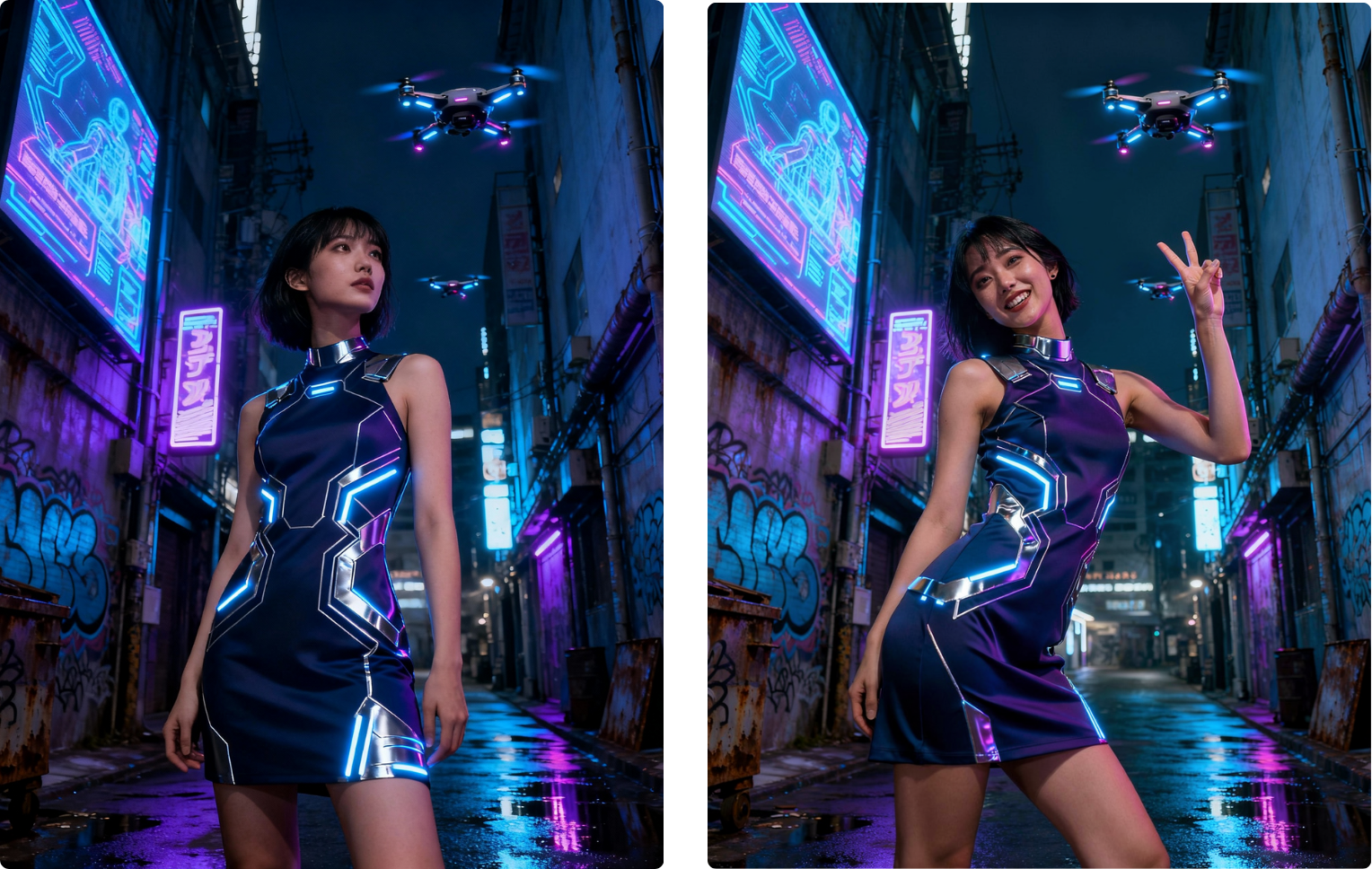
Multi-Reference Consistency
You can provide multiple faces, products, environments, or style references, and FLUX.2 will reliably maintain:
Identity
Product geometry
Textures and materials
Wardrobe and style
Composition intent
Perfect for ad variants, product shots, editorial series, or any workflow that requires consistency across multiple outputs.


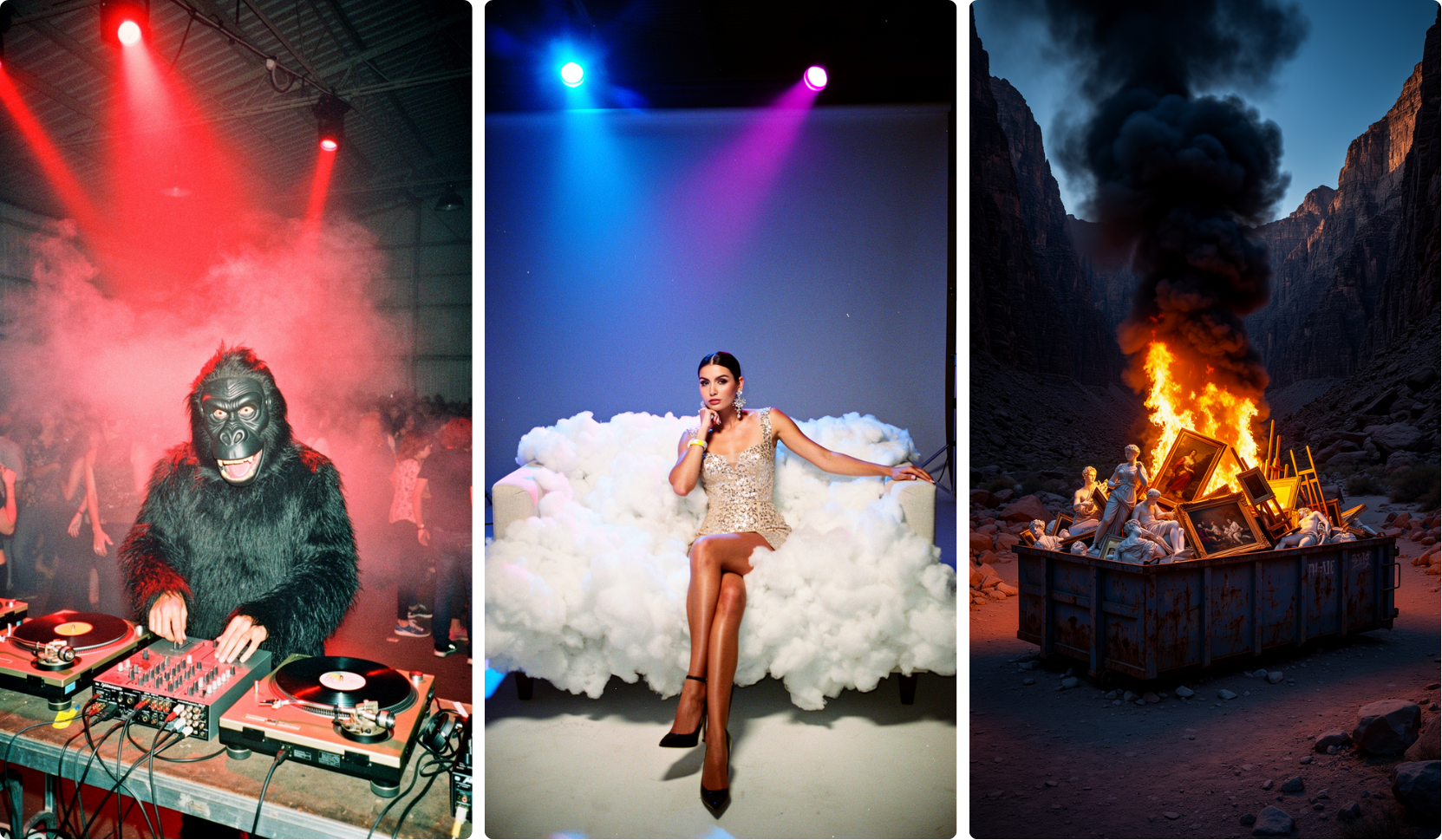
High-Resolution Photorealism
FLUX.2 generates images up to 4MP, with real-world lighting behavior, spatial reasoning, and physics-aware detail. Outputs are suitable for:
E-commerce
Marketing campaigns
Environment mockups
Social content
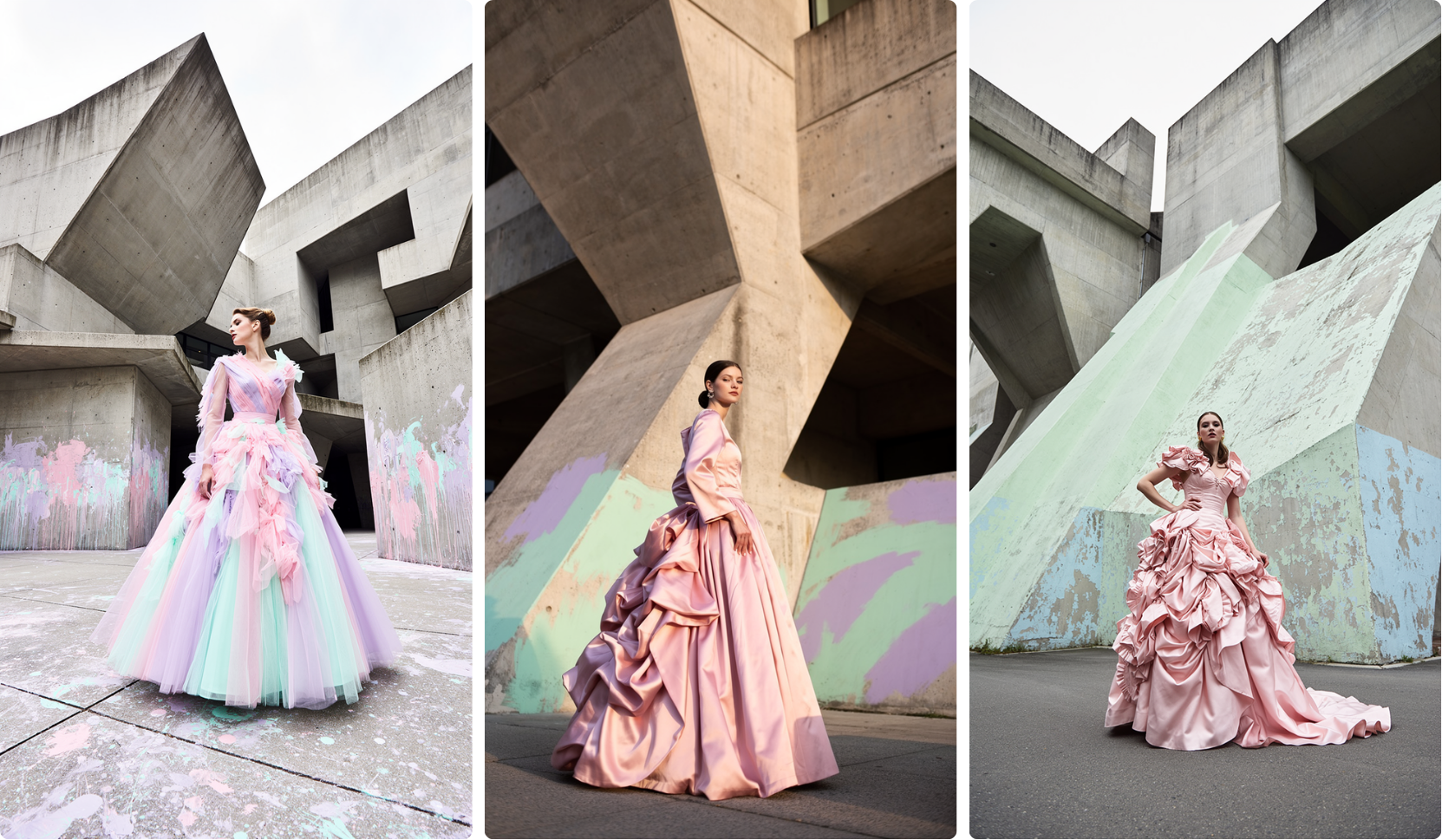
Professional-Grade Control
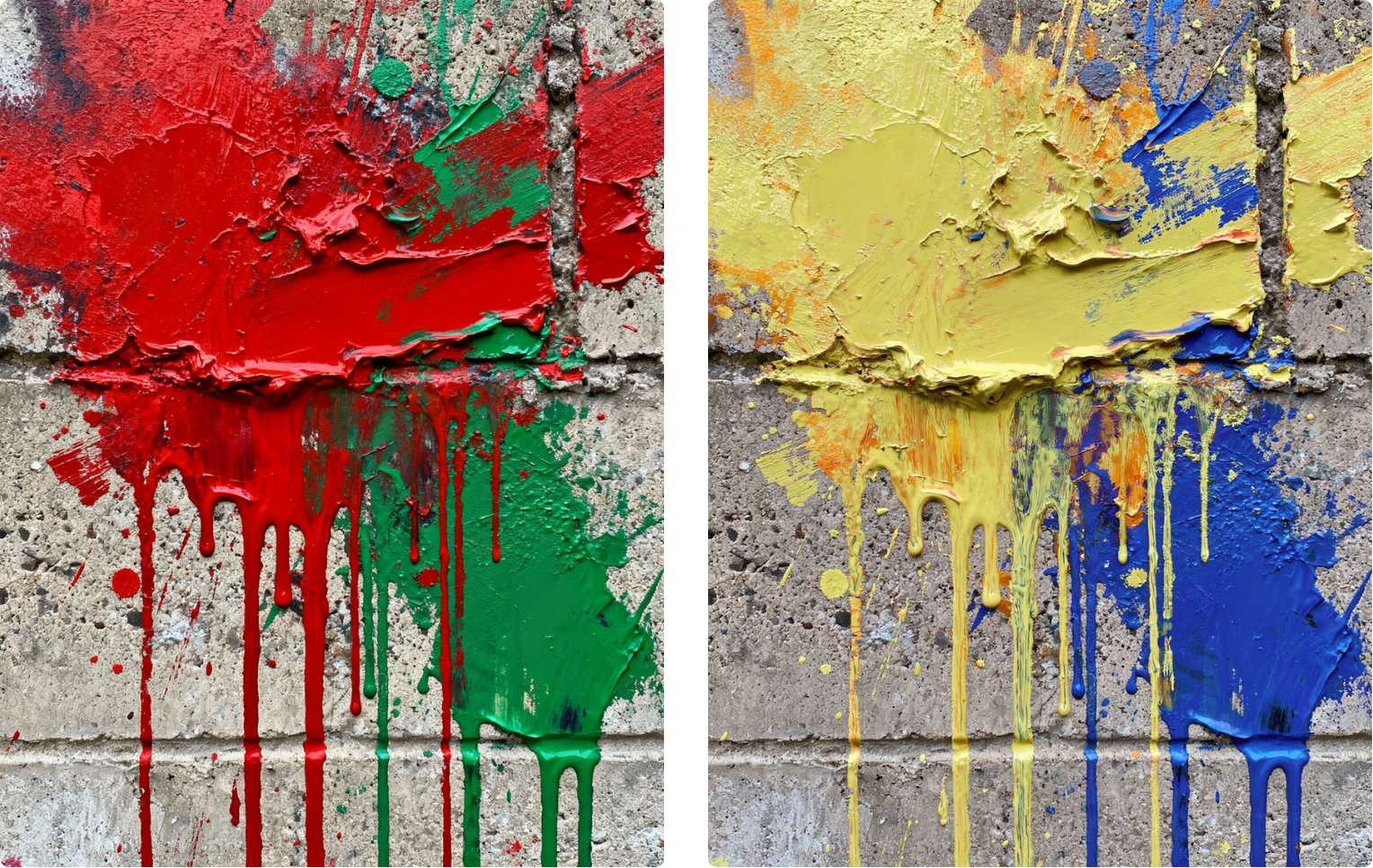
Built for real production environments:
Exact pose control
Hex-code accurate brand colors
Any aspect ratio
Structured prompting for programmatic workflows
Usable Text Rendering
FLUX.2 produces clean, legible text across UI screens, infographics, and multi-language content — reducing or eliminating manual cleanup.

Get Started with FLUX.2 in ComfyUI
1. Create on Comfy Cloud
For the fastest start, you can run FLUX.2 immediately with no setup required.
2. Run FLUX.2 Locally in ComfyUI
If you prefer running locally — for privacy, iteration speed, or offline work — FLUX.2 can be loaded inside your existing ComfyUI setup.
Requirements: Recent GPU (24GB+ strongly recommended for high-res)
Update ComfyUI to 0.3.72
Update the template and find the Flux.2 workflow (or download below)
Drop in your reference images and run!
→ Faces, products, style sheets, brand colors, or layout guides.
Available local models:
FP8 version from NVIDIA (reducing the VRAM requirements by 40%)
3. Using FLUX.2 Partner Nodes
If you don’t have a local GPU, or you need FLUX.2 inside automated pipelines — you can run the model using our Partner Node. This is connected to the API service directly from Black Forest Labs.
Works on both Comfy Cloud and Local ComfyUI
No downloads. No VRAM requirements
Works on any devices
Double-click the canvas and search for the FLUX.2 Partner Node in ComfyUI or try it out in Comfy Cloud!
As always, enjoy creating!
I have 32 GB RAM, 24 GB VRAM, Nvidia 5090.
It hung when trying to load the fp8 diffusion mode. There’s a red banner that popped up, saying “Reconnecting…” when I run the workflow in ComfyUI 0.3.73.
I can’t run the BF16 diffusion model.
FP8 workflow work fine in ComfyUI 0.3.75.
Workflow use 70GB RAM and aboud 5GB VRAM
96 RAM, 12GB VRAM 3060