

We’re excited to announce that grok-imagine-image and grok-imagine-video models from xAI are now available in ComfyUI as partner nodes!
What Is Grok Imagine?
Grok Imagine is xAI’s generative media model family, currently available as a beta release, supporting:
Text-to-image
Image editing
Text-to-video
Image-to-video
Video editing
As with all beta models, Grok Imagine is still under active development. The models are provided as-is, with evolving behavior and performance characteristics.
ComfyUI is an ideal environment for Grok Imagine: creators can route around instability, layer controls, and combine Grok outputs with deterministic tools for higher reliability and creative control.
Strengths at a Glance
Based on internal testing, Grok Imagine performs particularly well in the following areas:
Image Generation
Fast text-to-image generation
High-quality outputs in ~4 seconds per image, ideal for rapid iteration and exploration.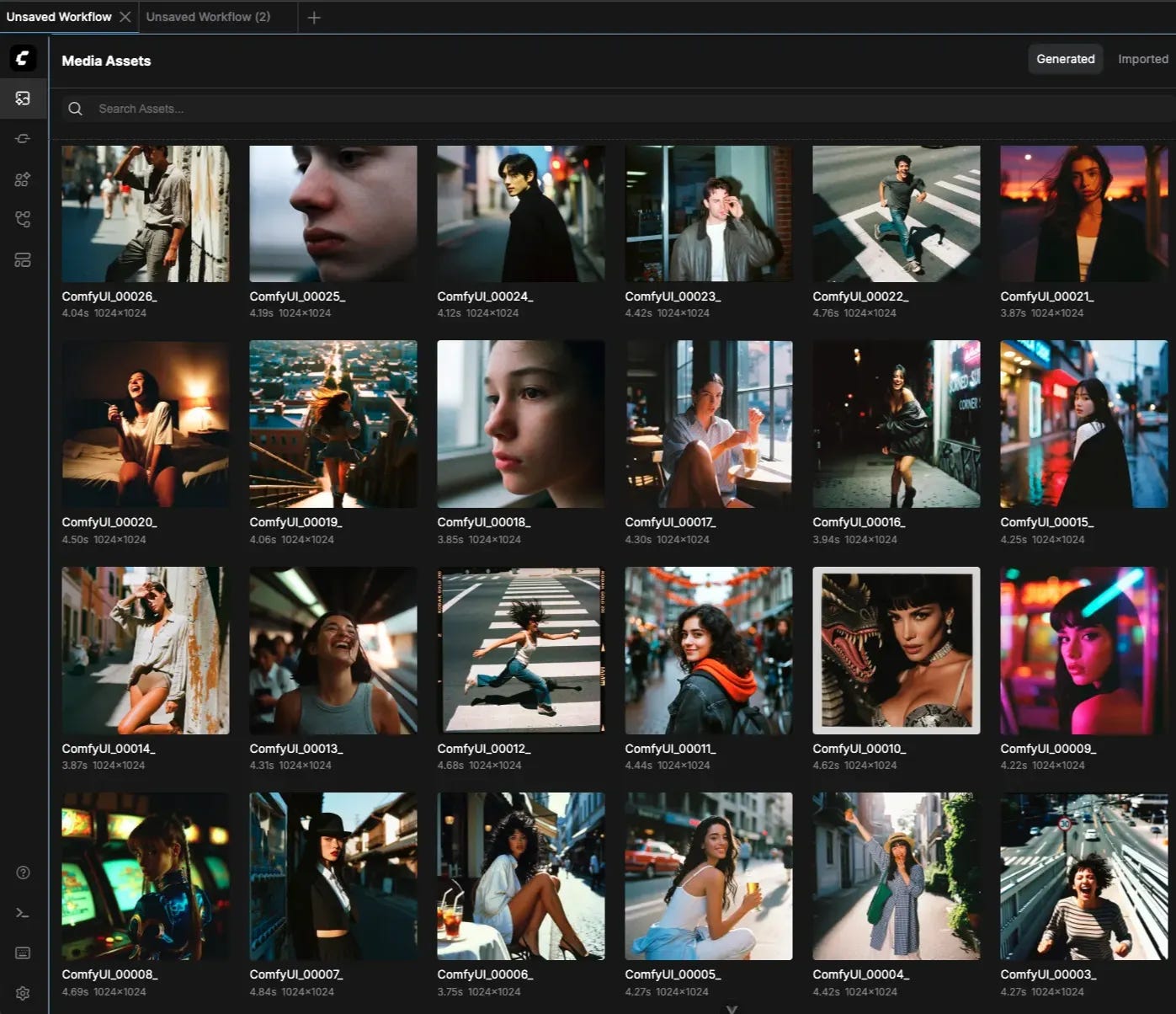

Cinematic character rendering in image generation
Strong facial consistency, expressive lighting, and framing that work well for social and narrative content.
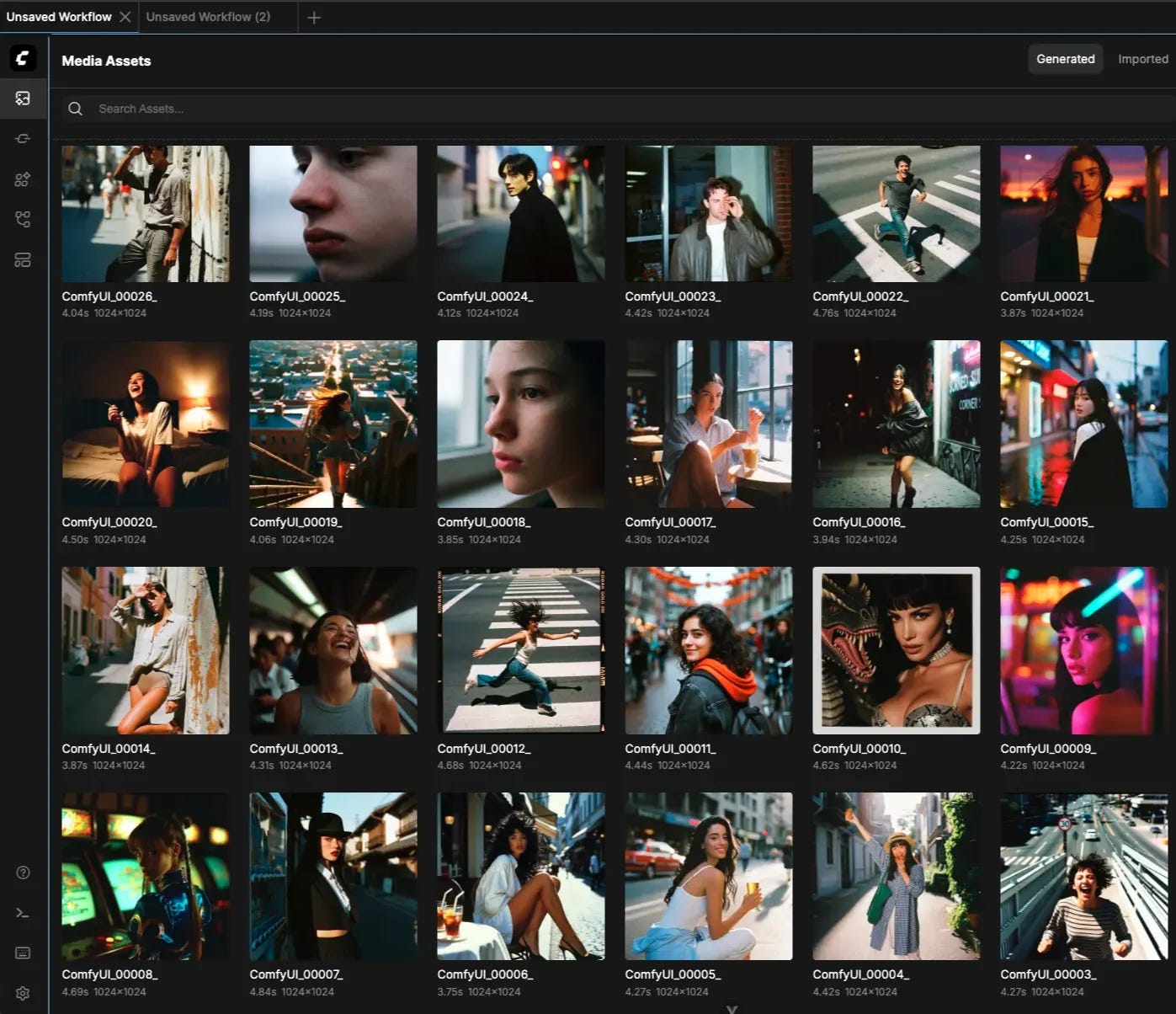
Anime & cyberpunk aesthetics
Stylized illustrations, neon lighting, and graphic compositions translate especially well.



Video Generation
Expressive cyberpunk visuals with cinematic mood
Strong atmosphere and visual identity, even with minimal prompt engineering.Motion graphics and 2D illustrations
Flat and graphic inputs animate cleanly into bold, eye-catching video results.
Image-to-video world rebuilding
Particularly effective at reconstructing scenes from new angles or perspectives.
The ComfyUI team gravitates strongly toward retro anime and cyberpunk aesthetics, and Grok performs exceptionally well in both text-to-image and image-to-video generation for these styles. The team realized that Grok Imagine models naturally lean toward a more “moody” visual language, with subdued color palettes, dramatic contrast, and emotionally resonant framing.
Get Started
Update ComfyUI: Ensure you’re running the latest version of ComfyUI or visit Comfy Cloud!
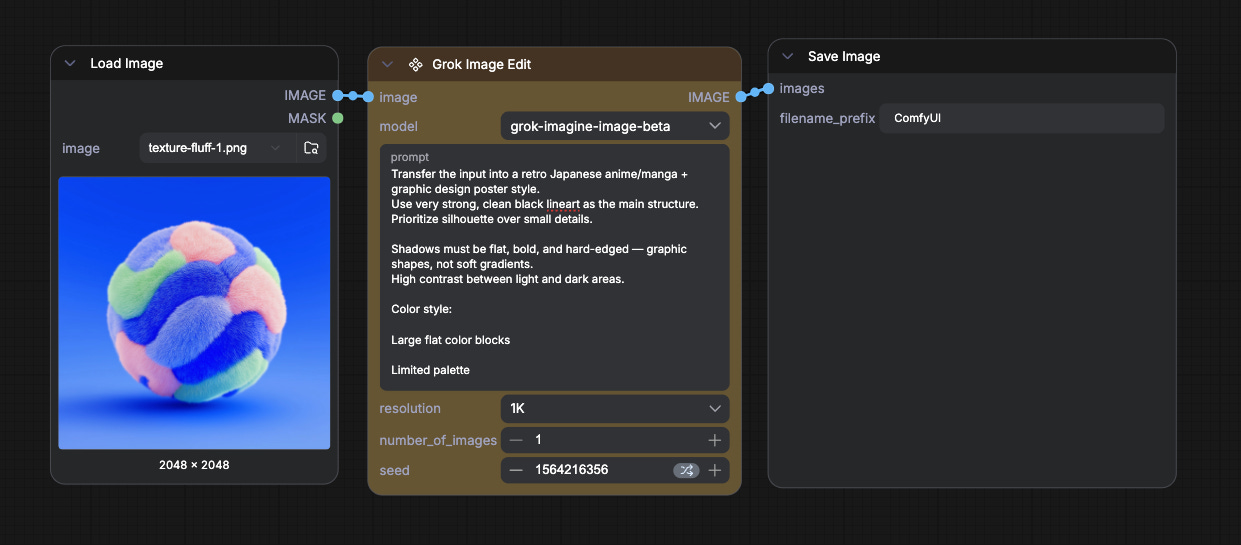
Access the workflows: Click the Templates in the sidebar. → Template library → search “Grok” workflows;
Or directly search for the nodes: double-click the canvas, and search for “Grok” Nodes.
As always, enjoy creating!
Thank you so much for implementing Grok in ComfyUI!
I’m all about whatever gets the job done, and now ComfyUI offers even more options — that's what I love most: the freedom to choose.
Grok shouldn't be featured at all by you - what the hell. Any backbone left?