

Today Comfy Router is live on the Comfy Developer Platform.
Integrate frontier image, video, 3D, and audio models once. Then choose the provider for each job, for better availability and better prices.
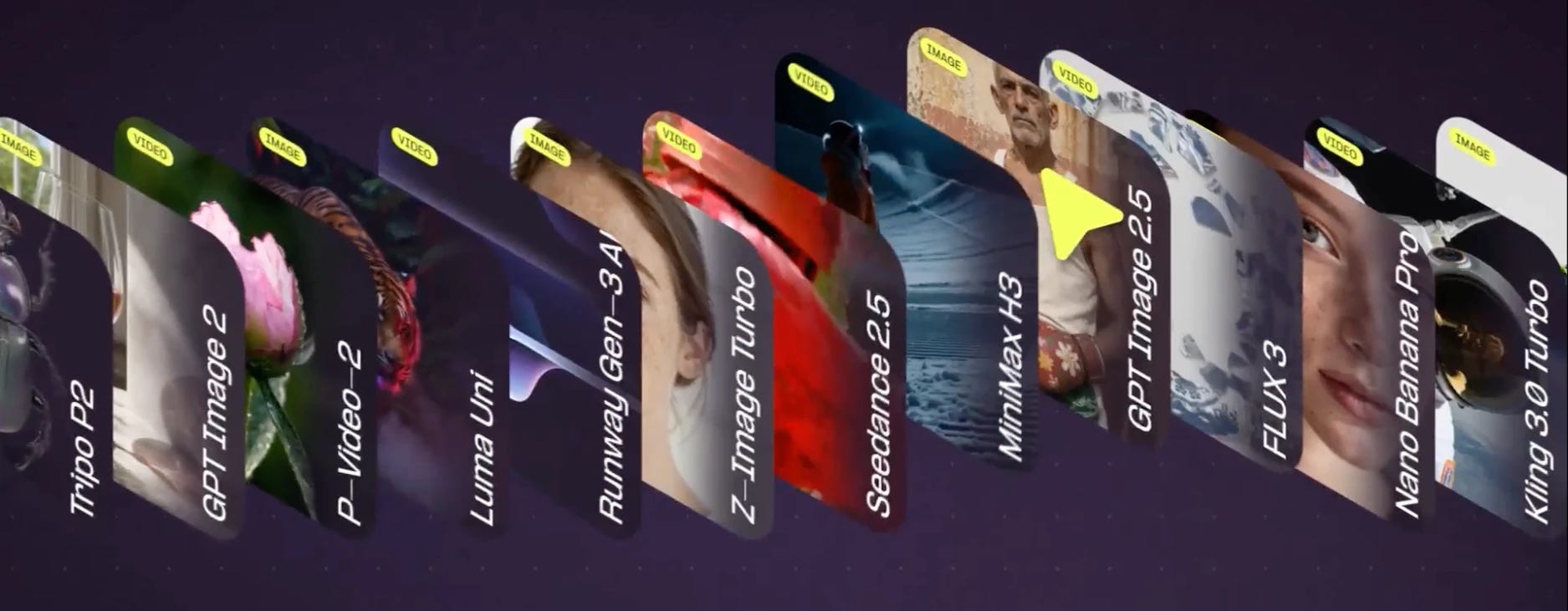
Day one access includes Seedance 2.5, MiniMax H3, Nano Banana Pro, GPT Image 2, Kling, and Black Forest Labs, with more coming.
These are the same models 3M+ ComfyUI users already use, now behind one API.
Router runs on the Developer Platform.
Router runs on the Comfy Developer Platform, giving you one place to access frontier models today. And soon, to deploy and scale your own ComfyUI workflows with Comfy API.
Router is how you call the frontier models you do not run yourself. Your API keys and run history live in one place and cover both, so the workflows you deploy and the models you call land on the same account.
Integrate once. Add models as you go.
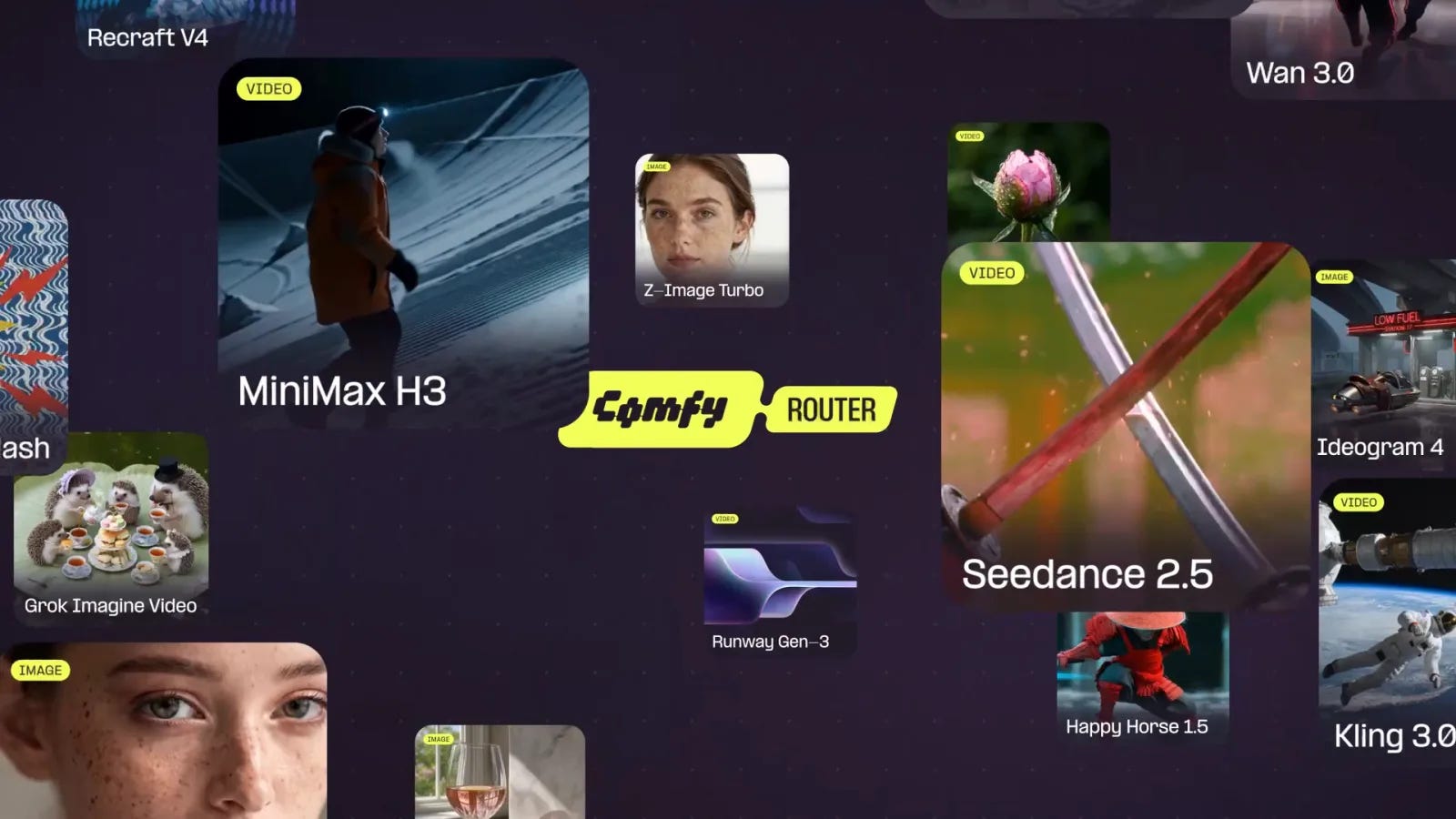
Comfy has Day 0 access to many of the latest frontier models. Router puts that access behind one API, so you can start building with new releases without adding another SDK, key, or job lifecycle.
Build that once through Router, and the next model is one line.
from comfy_sdk import Comfy

client = Comfy(api_key="comfyui-...")

result = client.models.run(
    "openai/gpt-image-2",
    arguments={"prompt": "aerial view of a neon coral reef at dusk"},
    provider="fal",
)
Change the model string to call a different model. Change the provider to run it somewhere else. Everything around those two strings stays put.
Choose the provider for better availability or pricing.
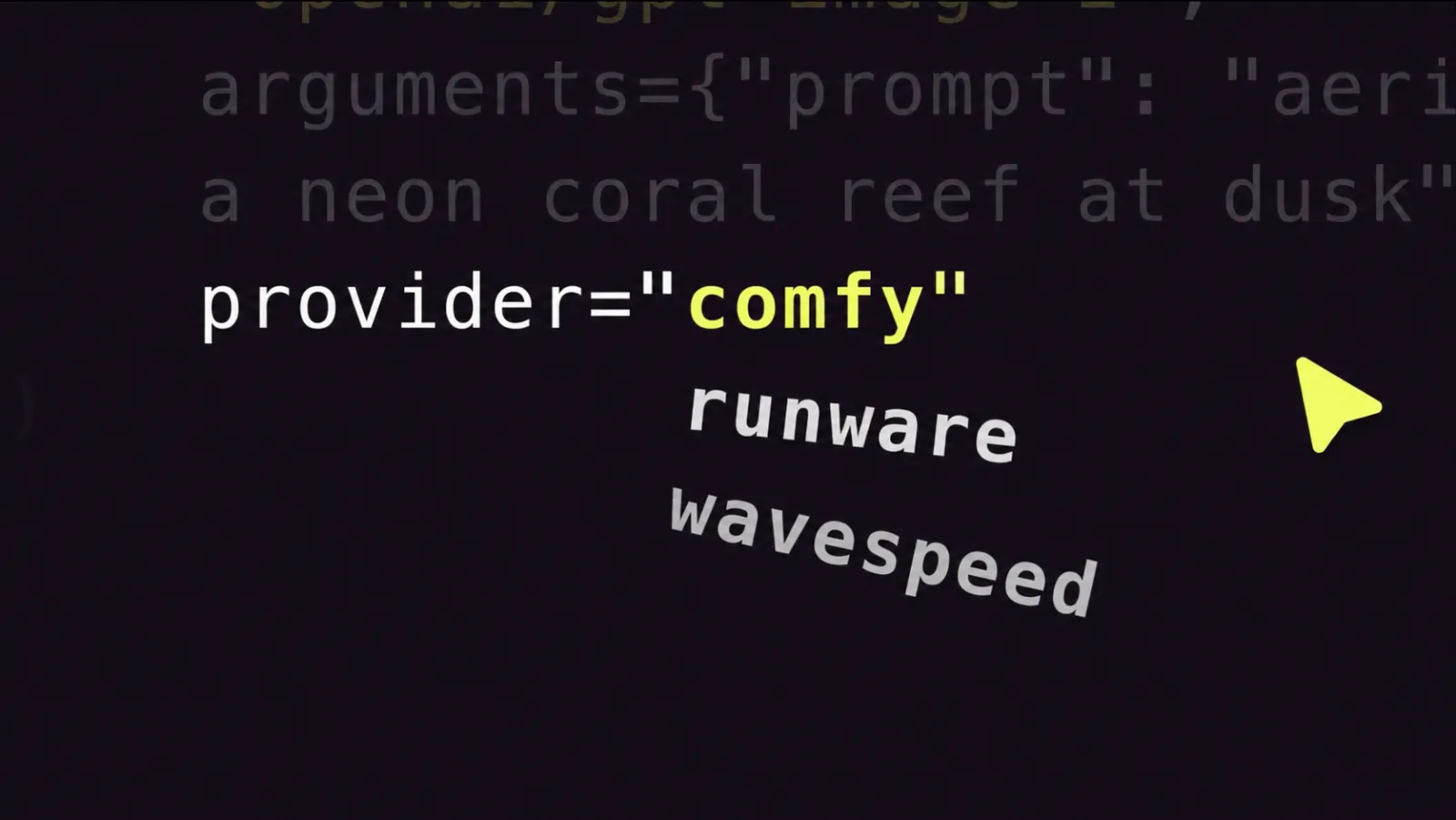
The same model often runs on more than one provider, and on the day you need them, providers are not interchangeable. One is rate limited. One is cheaper this week. One is faster for your region.
The provider is a parameter. Where a model is supported on more than one of fal, Runware, WaveSpeed, and Higgsfield, you move between them with one line.
When you name a provider, Comfy does not switch the route. If that provider is unavailable, the request fails there. There is no silent substitution, and every job reports the provider that ran it.
Not every model runs on more than one provider yet. Where a model has one provider, you still get the single integration and the shared key.
Hit a concurrency limit? Queue the job.
The queue automatically retries jobs that hit 429 rate limits and other transient errors. Use submit to send a job and receive a request ID immediately; the queue keeps the job moving until it completes. If you want Comfy to wait for the result, subscribe submits the job and polls until it completes.
Queueing is available for all supported models, and the concurrency limits documentation covers the ceilings. Your job runs when a slot opens.
What you can build
Three jobs Comfy Router is built for.
A product feature that calls one model. You ship image generation on fal. Traffic spikes and fal rate limits you. If that model is supported elsewhere, you move the same call by changing one parameter. No new SDK, no new key, nothing else redeployed.
A pipeline that mixes your own workflow with someone else’s model. Your ComfyUI workflow runs on the Comfy API. A frontier video model runs on Router. Both calls come from the same code, on the same key, with both runs in the same history. The alternative is Comfy for your workflow and a separate contract, key, and dashboard for the model.
Batch work that outruns your limits. Queue a few hundred jobs with submit, hold the IDs, and retrieve results as they land. Nothing sits in a retry loop holding a connection open.
Why not call fal, Runware, WaveSpeed, or Higgsfield directly?
You can, and plenty of teams do. If you use one provider and one model, a direct integration is the right call and Router is overhead you do not need.
Router earns its place when you need more than one: the same model on more than one provider, one key and one job surface, and a route you pick. Each provider routes to itself. Comfy Router gives you one surface across them.
If you know OpenRouter, the shape is familiar. The difference is what generative media needs: large assets, model-specific controls, and jobs that run for minutes.
Pricing and data
Router uses the same Comfy credits that cover Partner Nodes, Comfy Cloud workflow runs, and other supported model calls. There is no subscription required.
Per-model pricing is listed in the model catalog, so you can see the cost for each model before you run it.
On retention: inputs are kept for 24 hours after upload and outputs for 24 hours after generation, then they are deleted.
What this means, and what’s next
ComfyUI gave people control over every step of how an image or a video gets made. Every node visible, every parameter adjustable. That’s why more than three million creatives use it.
Calling a model over someone else’s API has always meant giving that up. You send a request to a machine you do not control and take what comes back. Most routing layers widen that gap by picking the provider for you and calling it optimization.
Comfy Router closes it. You pick the model. You pick the provider. You can always see which one ran.
Comfy is building an open standard for visual AI. Standards work when the people using them can see how they run and swap what they do not like, so provider choice is the foundation here rather than a setting we added later.
More models and more providers are coming soon, including:
Comfy workflows. Run a ComfyUI workflow from the same SDK, just like models
Routing strategies. Choose a policy such as reliable, fast_start, fast_finish, or lowest_cost and let Comfy select the provider. This is optional. Choosing a provider yourself remains the default, and every job reports which provider ran it.
Route by use case. Request an upscale, a background removal, or an animation, and Comfy picks a model or workflow that can do it