


We’re excited to announce that Kling Motion Control 3.0 is now available via Partner Nodes in ComfyUI!
Building on the acclaimed Kling 2.6 Motion Control, this upgrade introduces Element Binding — a new facial consistency system that keeps your character's face stable and recognizable across every angle, emotion, and occlusion in the generated video.
Key upgrades:
Facial consistency from any angle — stable features and smooth expressions even in complex, multi-angle, or long-duration motion
Accurate complex emotions — upload multiple face reference images to improve expression fidelity across your character’s full emotional range
Face restoration through occlusions — hats, fans, hands, and other partial obstructions no longer breaks character identity
Steady clarity during camera movement — face quality stays consistent as the camera zooms, pans, or tracks
Examples
Getting Started
Update ComfyUI to the latest version or visit Comfy Cloud
Search for the “Kling Motion Control” node
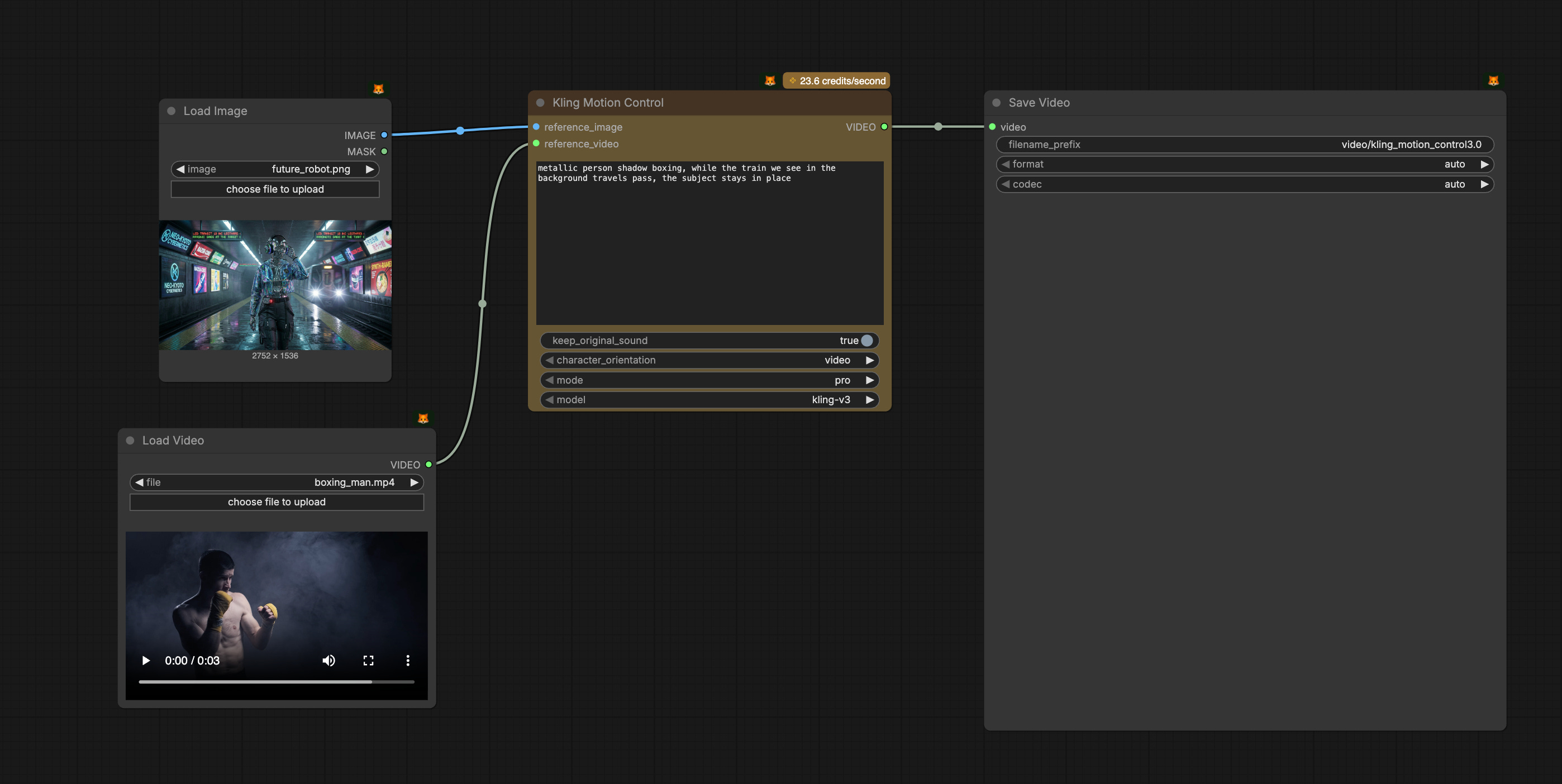
Prepare your reference image and reference motion video, and run the example workflow
Excellent addition!