

We’re excited to announce that official AMD ROCm™ support is now available on the Windows ComfyUI Desktop app, starting with version v0.7.0.
With this release, Windows users can finally tap into the full power of supported AMD Radeon™ GPUs and Ryzen™ AI processors, unlocking faster performance and a smoother experience across ComfyUI workflows.
Going forward, users will continuously be able to run ComfyUI on AMD ROCm™ GPUs with:
How to get started:
Download ComfyUI desktop
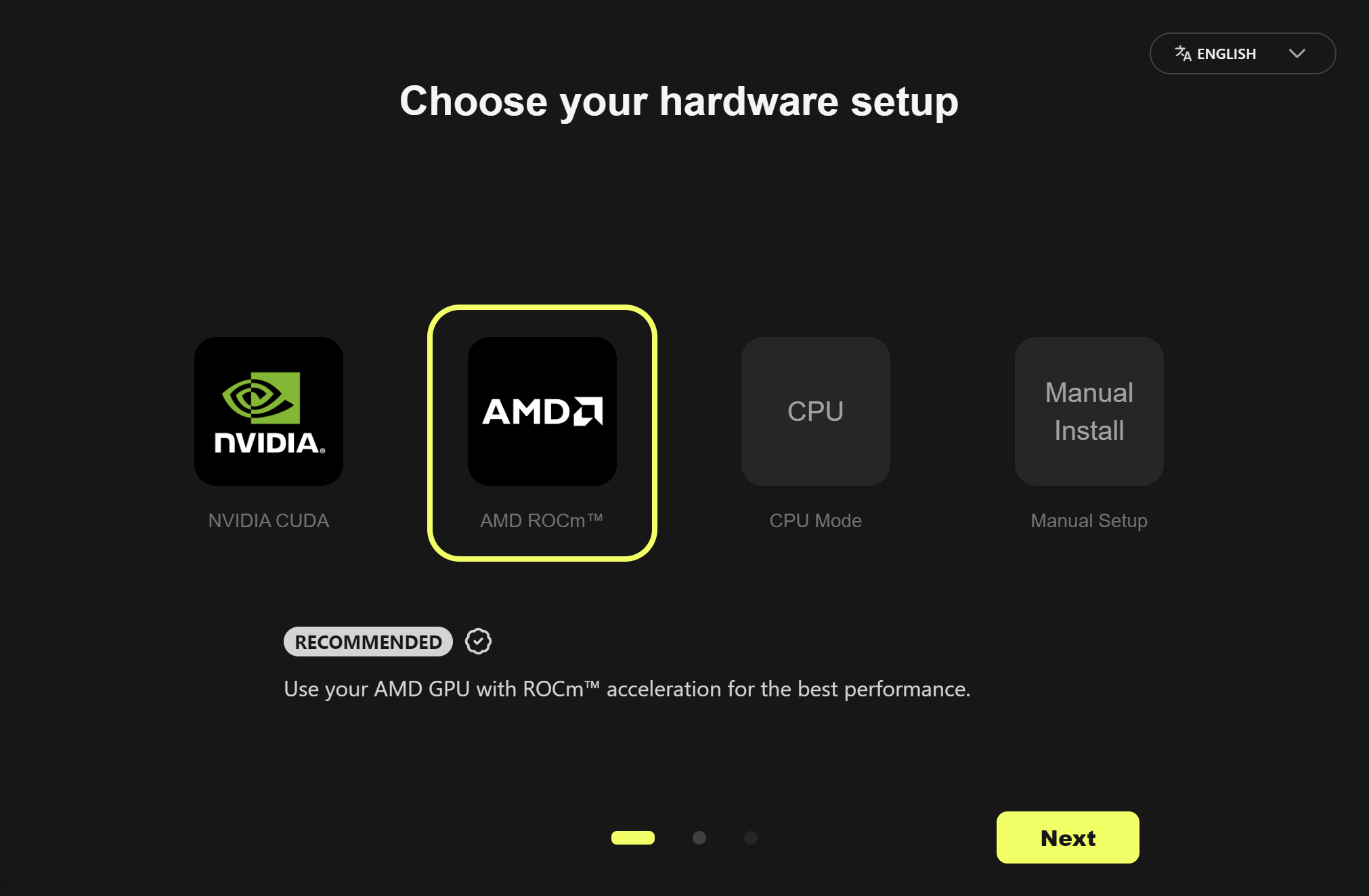
During installation, AMD ROCm™ should be automatically selected
Finish installation and boot ComfyUI!
This release of the ComfyUI Desktop app and Portable is based on ROCm 7.1.1. Additional performance, feature improvements, expanded support, and bug fixes are expected in future releases.
The AMD ROCm™ 7.1.1 Preview driver is recommended for this release and supports the use of --use-pytorch-cross-attention flag. This support is expected to be merged into the mainline branch in an upcoming AMD Software: Adrenalin™ Edition driver release. Please visit the AMD blog for more details on the benchmark.
In addition to desktop, AMD ROCm™ is also supported on the portable and git versions of ComfyUI.
Happy building!
The RX 7800 XT is overwhelmingly underutilized while using UNET node (GGUF file) in any workflow regardless of quantized model and ComfyUI version used.
The lastest version of ComfyUI works flawlessly when using .safetensor models and the GPU power draw is good at 272 watts. But this is not the case with GGUF file. When using GGUF in a workflow, the GPU power draw does not go beyond 120 watts and the speed is 500s/iteration which is completely unusable. I tried Adranaline v26.1.1 and v25.20.01.17 as well but to no avail. Please help me fix this.
Following details might help:
ComfyUI version v0.11
Workflow includes :
Wan 2.1 Vace 14B GGUF Q5_0
Steps : 15
Length : 81
FPS : 15
Sampler : UniPC
This problem exists regardless of quantized models, workflow and ComfyUI version used.
I was happy to saw this, but after clean install on AMD rocm drivers, Comfyui Desktop and Portable, every Workflow crashs. Iam going back to rocm 6.4 on WSL :/