


Vector graphics have long been the gold standard for design work — infinitely scalable, tiny file sizes, and crisp at any resolution. AI-generated vectors have been possible, but they've been an underrepresented modality. It's great to see more tools bringing this capability to the table.
Quiver brings best-in-class SVG generation to ComfyUI as a Partner Node, giving you two powerful capabilities: text-to-SVG and image-to-SVG. Whether you’re producing logos, icons, illustrations, or converting raster artwork into clean vector files, Quiver handles it natively inside your workflows.
What you can do with Quiver in ComfyUI
Quiver is for creators who want vector deliverables, not just pixels. Here are the most common ways teams use it:
Generate logos & wordmarks: Quickly explore multiple design directions, then refine typography, spacing, and geometry using editable vector files.
Build icon sets: Create consistent icon variations and organize them into a unified system for UI, web, or print use.
Vectorize raster graphics: Convert generated images, sketches, or screenshots directly into editable vectors.
Production-ready assets: Lightweight, infinitely scalable, fully editable SVG files optimized for design and development workflows.
Quiver Capability in ComfyUI
Text to SVG
Describe what you want, and get a clean vector file back. Quiver generates production-quality SVGs from natural language prompts
Need a minimal line-art logo? A flat-style icon set? An illustrated scene for a landing page? Just prompt it.

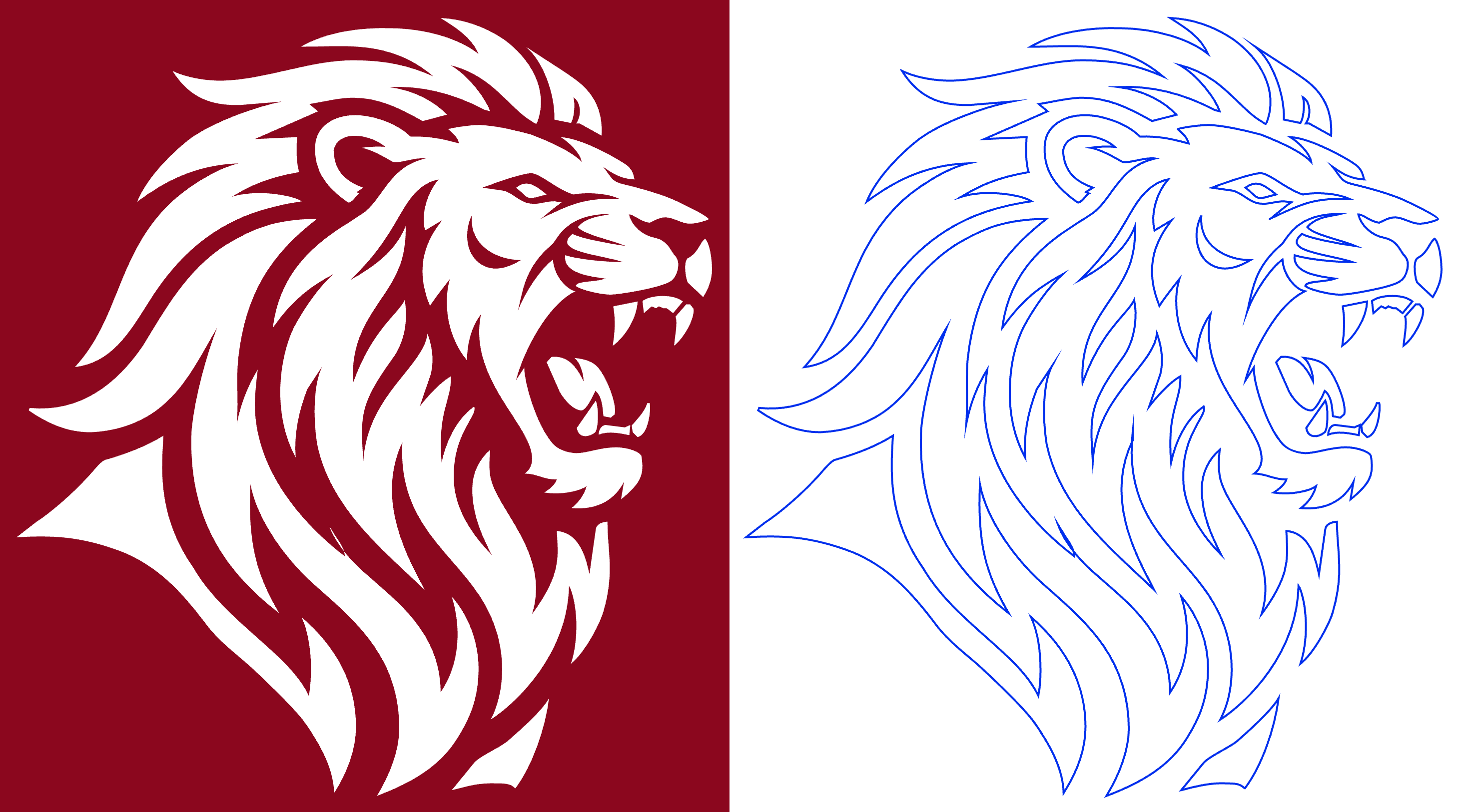
Image to SVG
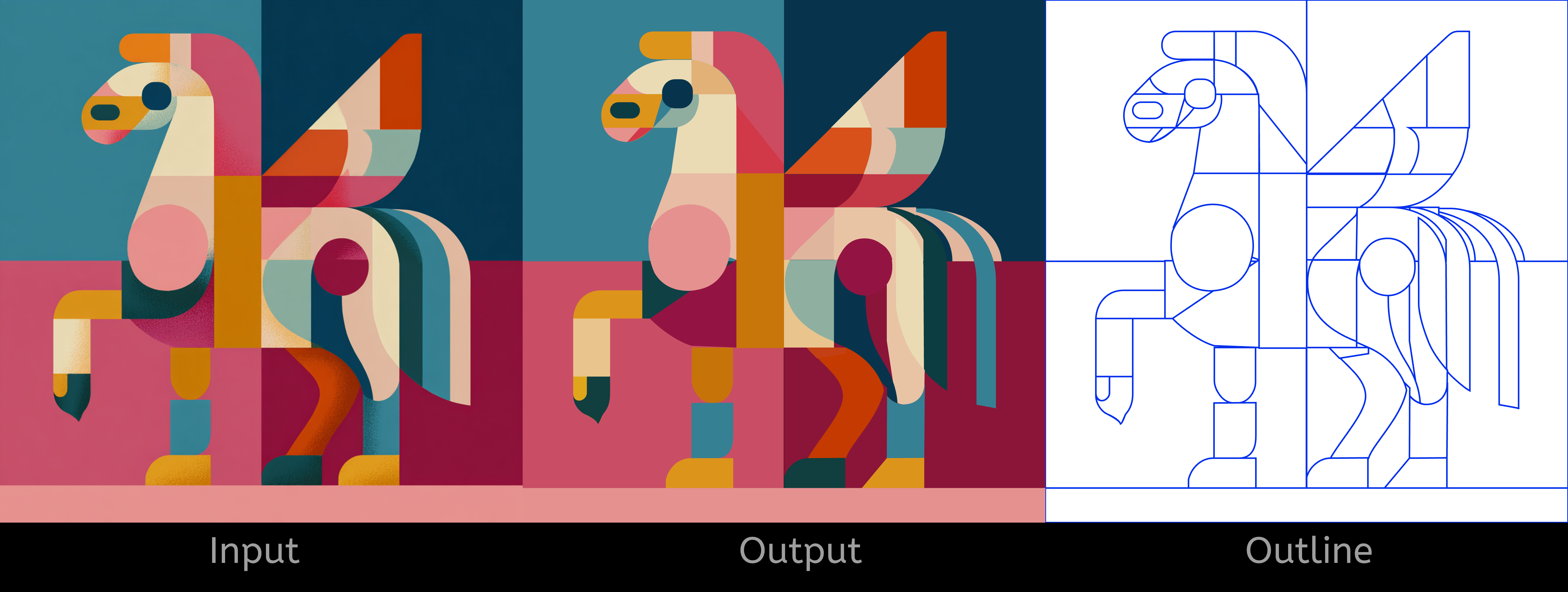
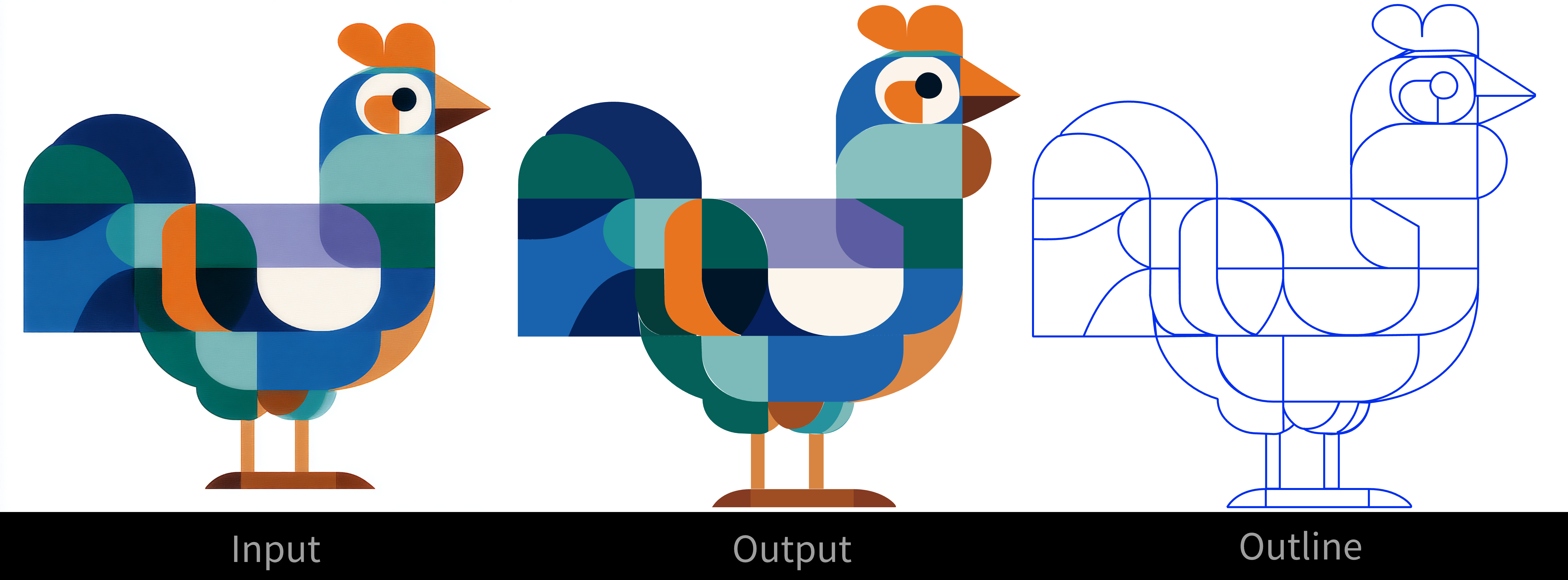
Drop in a raster image — a photo, a sketch, a screenshot — and Quiver traces it into a clean SVG. The results are properly vectorized paths, not just embedded bitmaps.
This is a big deal for workflows where you’re generating raster images with other ComfyUI nodes and need vector output downstream. Chain an image generation model into Quiver and go straight from prompt to scalable vector — no manual tracing, no third-party conversion tools.
Getting Started
Update ComfyUI to the latest version, or visit Comfy Cloud.
Find Quiver in the Node Library by searching “Quiver,” or browse the template library.
Load a workflow and start generating:
As always, enjoy creating!