


We’re excited to introduce Qwen Image Edit 2511 and Qwen Image Layered, two powerful image-editing models from the Qwen family, now available in ComfyUI. These models bring high-fidelity, instruction-driven image editing and structured, layer-aware generation into Comfy workflows, opening the door to more precise creative control and more robust compositing pipelines.
Qwen Image Edit 2511
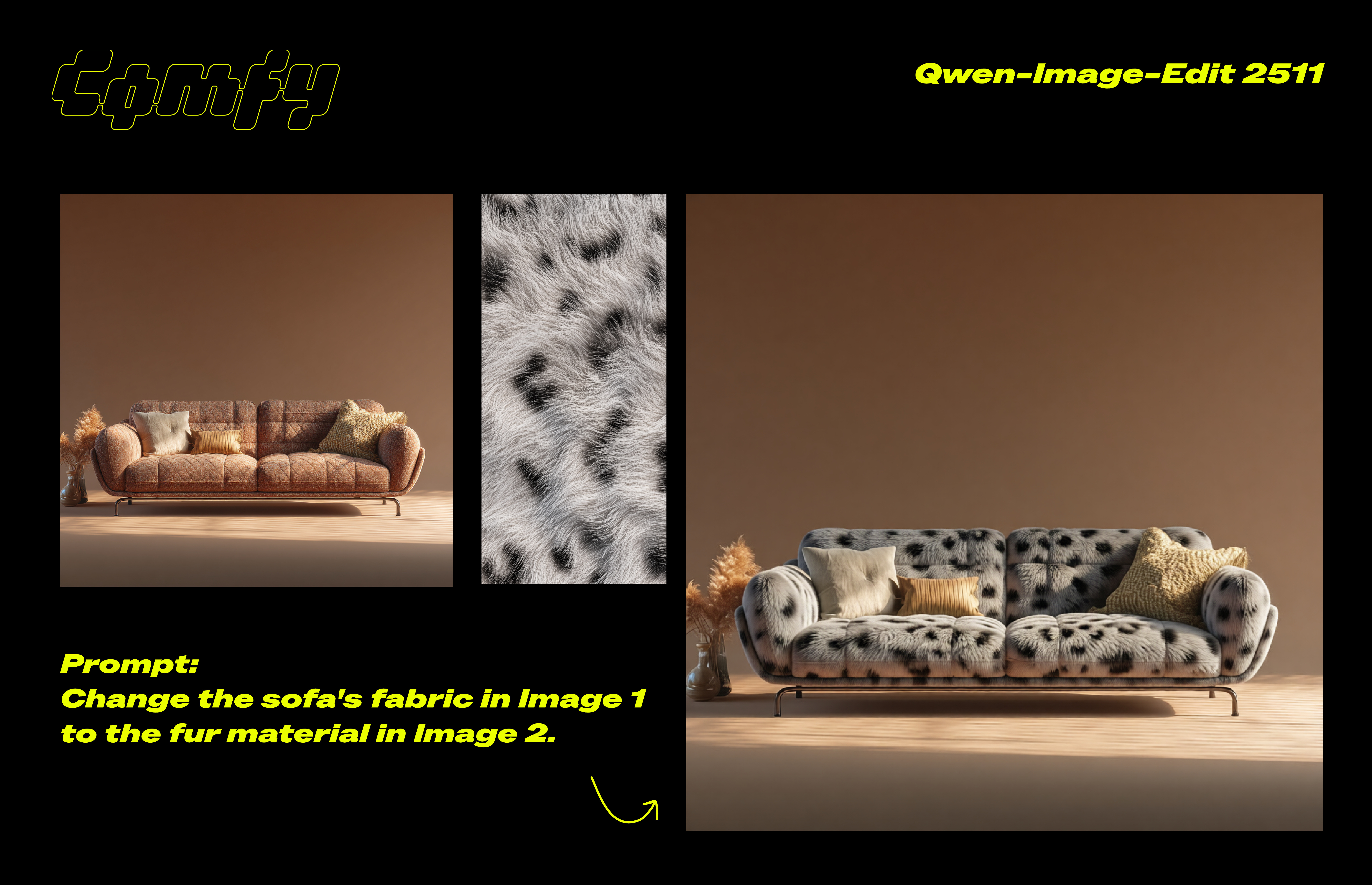
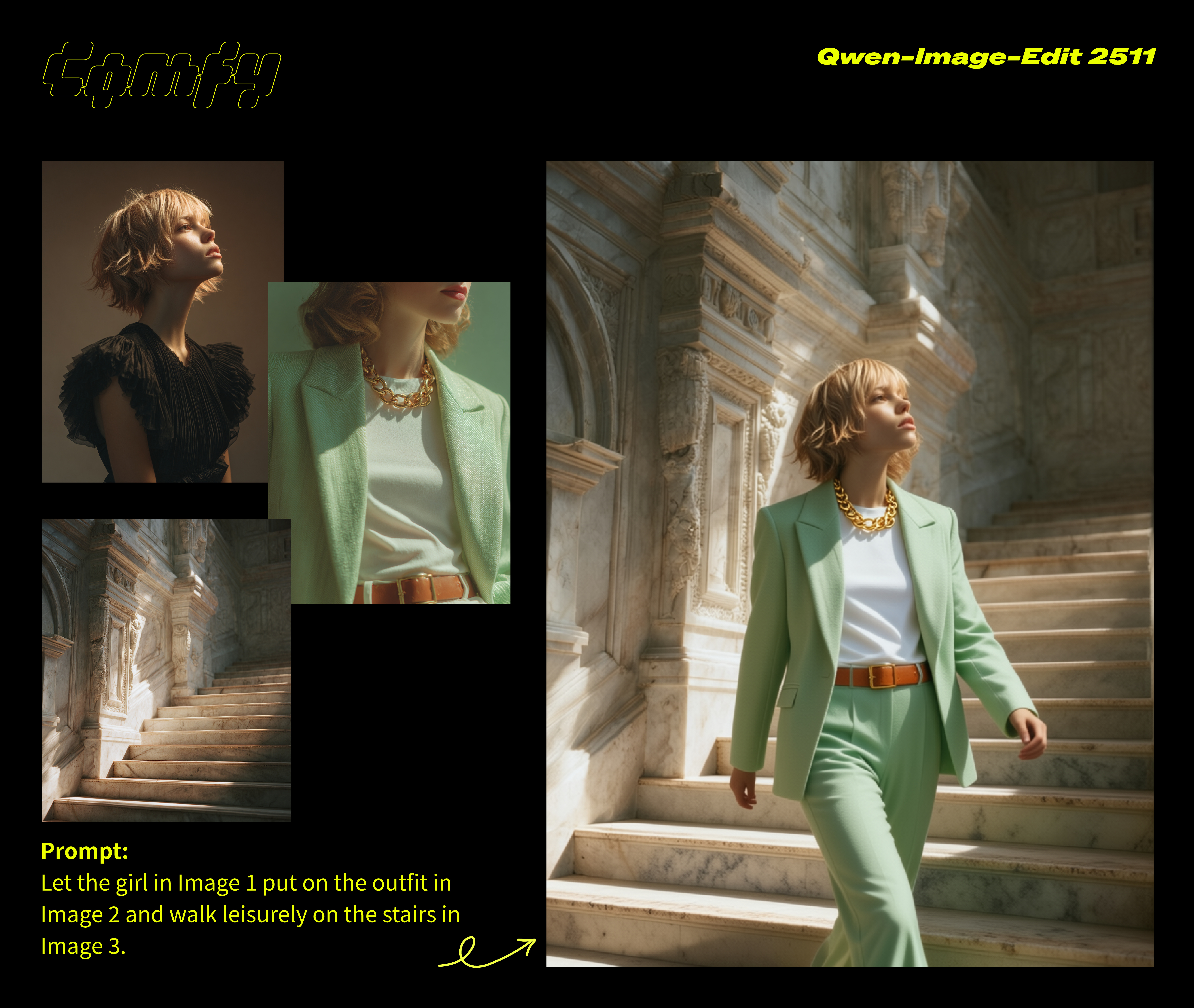
Qwen-Image-Edit-2511 is an enhanced version of Qwen-Image-Edit-2509, featuring multiple improvements—including notably better consistency. This model brings significant enhancements to image editing capabilities.
Instruction-Driven Image Editing
Edit images using natural language instructions — from simple touch-ups to complex semantic changes.Better Character Consistency
Significantly improved character consistency, especially in multi-person group photosStrong Localized Control
Excels at targeted edits, including object replacement, style changes, background swaps, and fine-grained adjustments.Integrated LoRA Capabilities
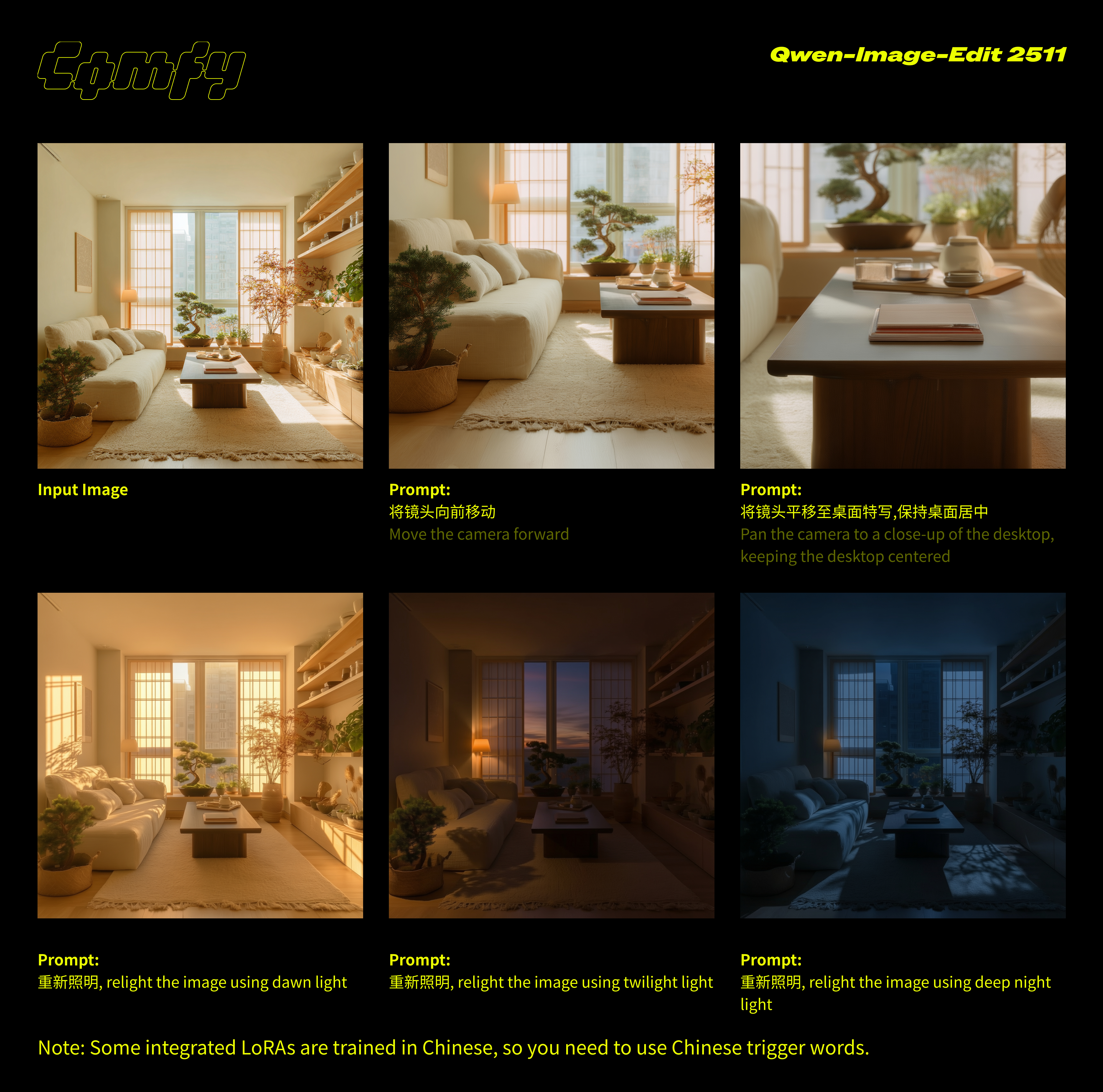
Built-in support for popular community-created LoRAs without extra tuning
Examples:
Qwen Image Layered
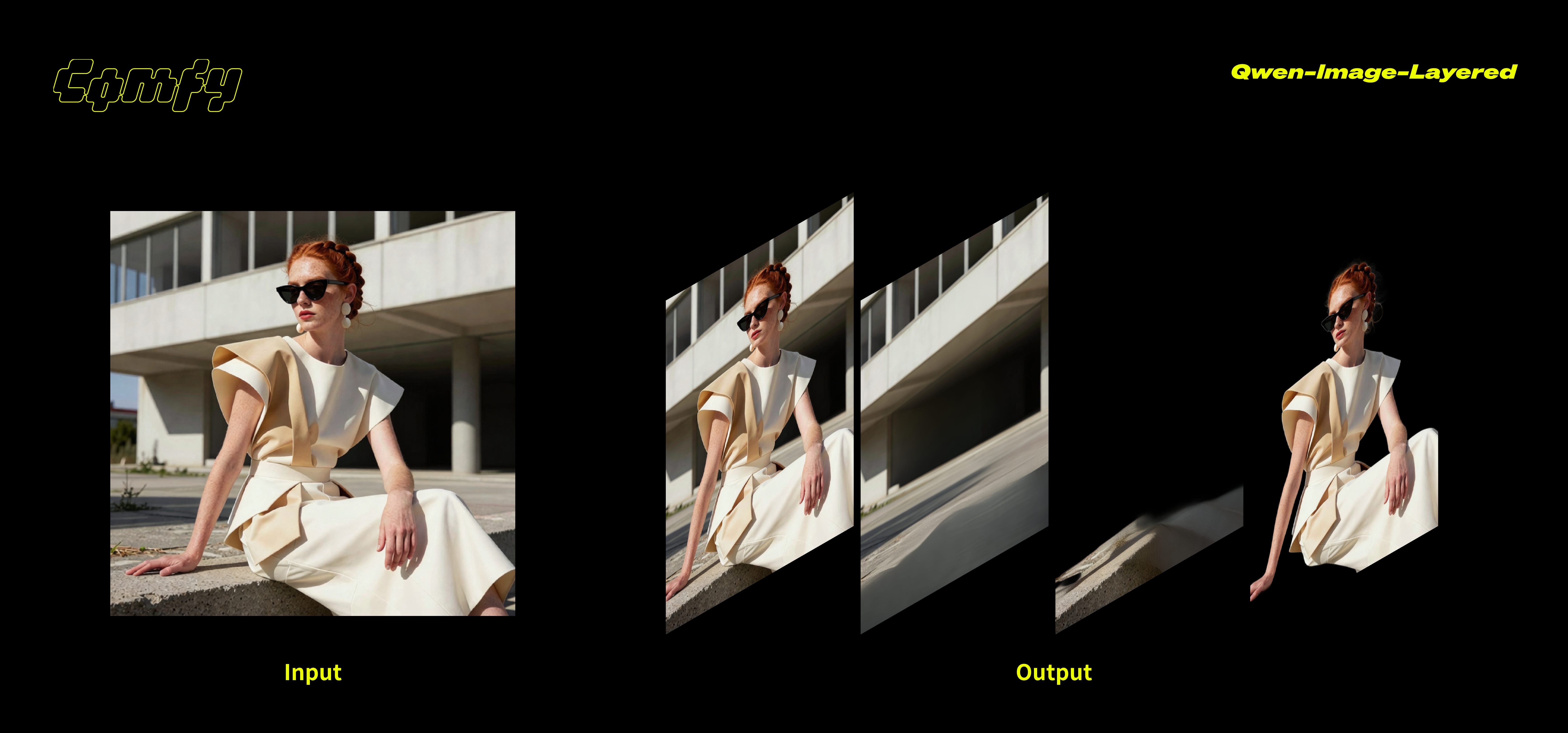
Qwen-Image-Layered is a model that decomposes an image into multiple RGBA layers. This layered representation unlocks inherent editability: each layer can be manipulated independently without affecting other layers.
Layered Decomposition
Decompose images into multiple RGBA layers, physically isolating semantic or structural components.Flexible Decomposition
Supports variable-layer decomposition (e.g., 3, 4, or 8 layers) and recursive decomposition for infinite layeringCreative & Technical Flexibility
Well-suited for designers, VFX artists, and anyone building modular image pipelines.ComfyUI-Native Control
Pairs naturally with mask nodes, image compositing, and video workflows.
Examples
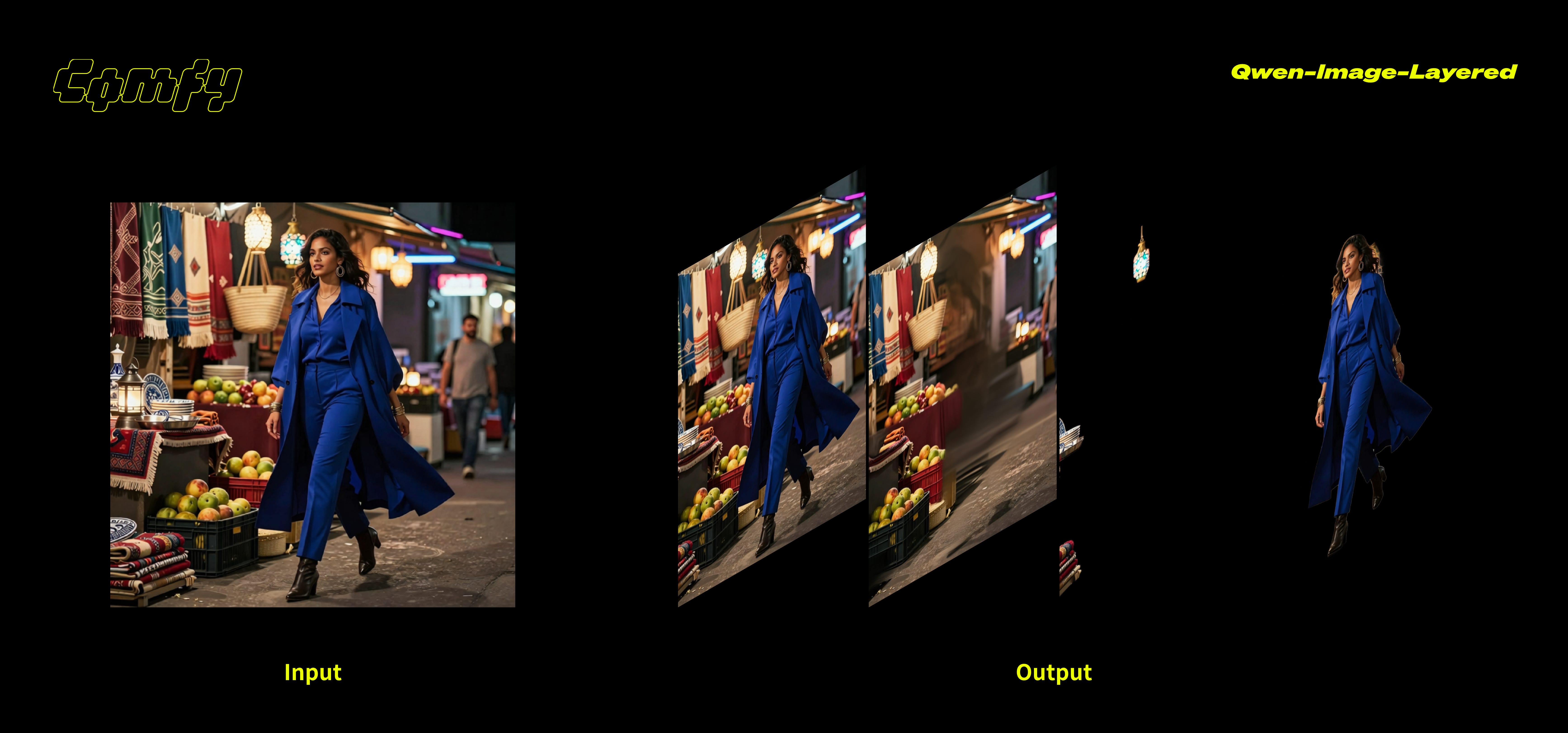
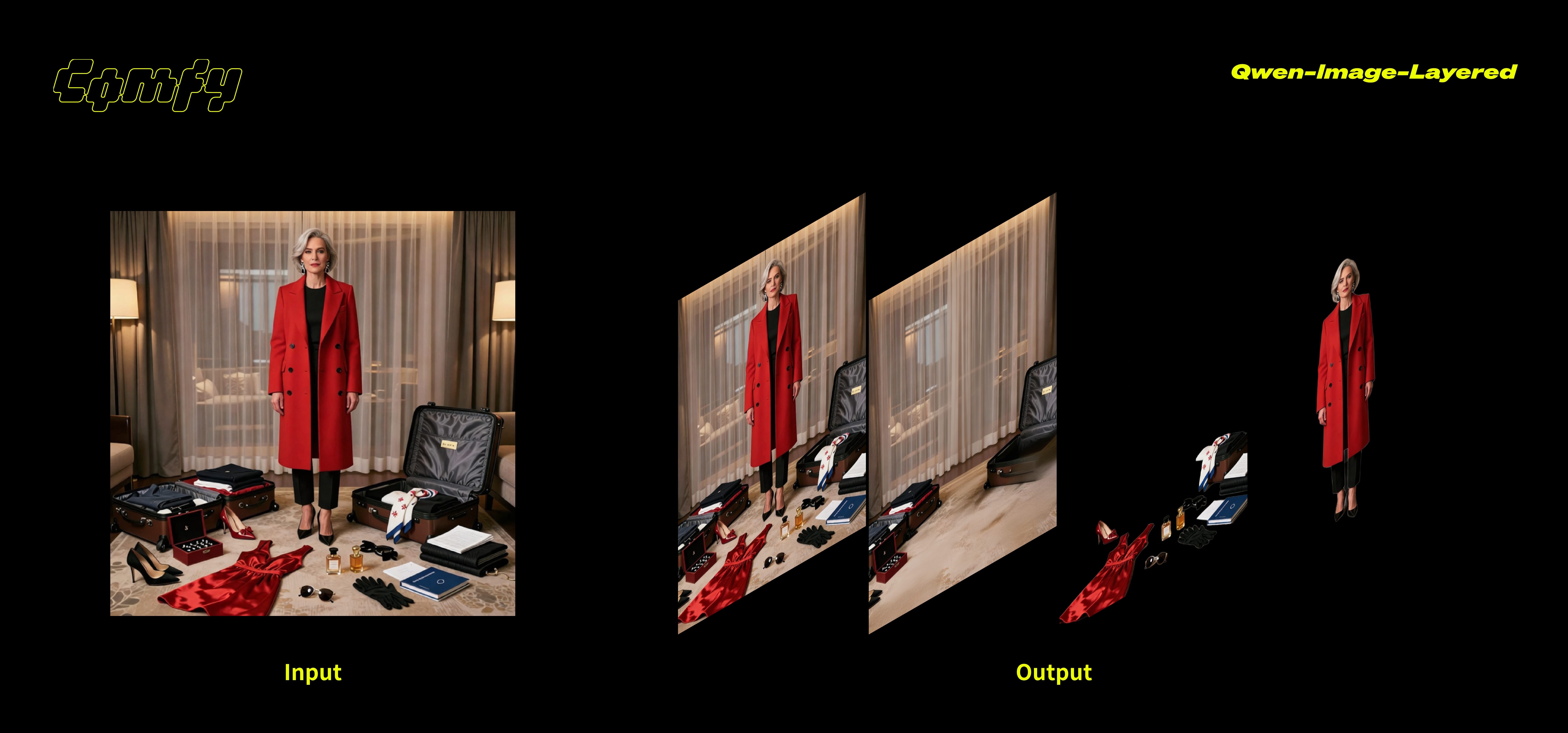
Getting Started
For Local ComfyUI users
Update ComfyUI to the latest version 0.6.0 (Desktop coming soon)
Download the workflow and drag it into ComfyUI.
Download the models according to the workflow instructions and run!
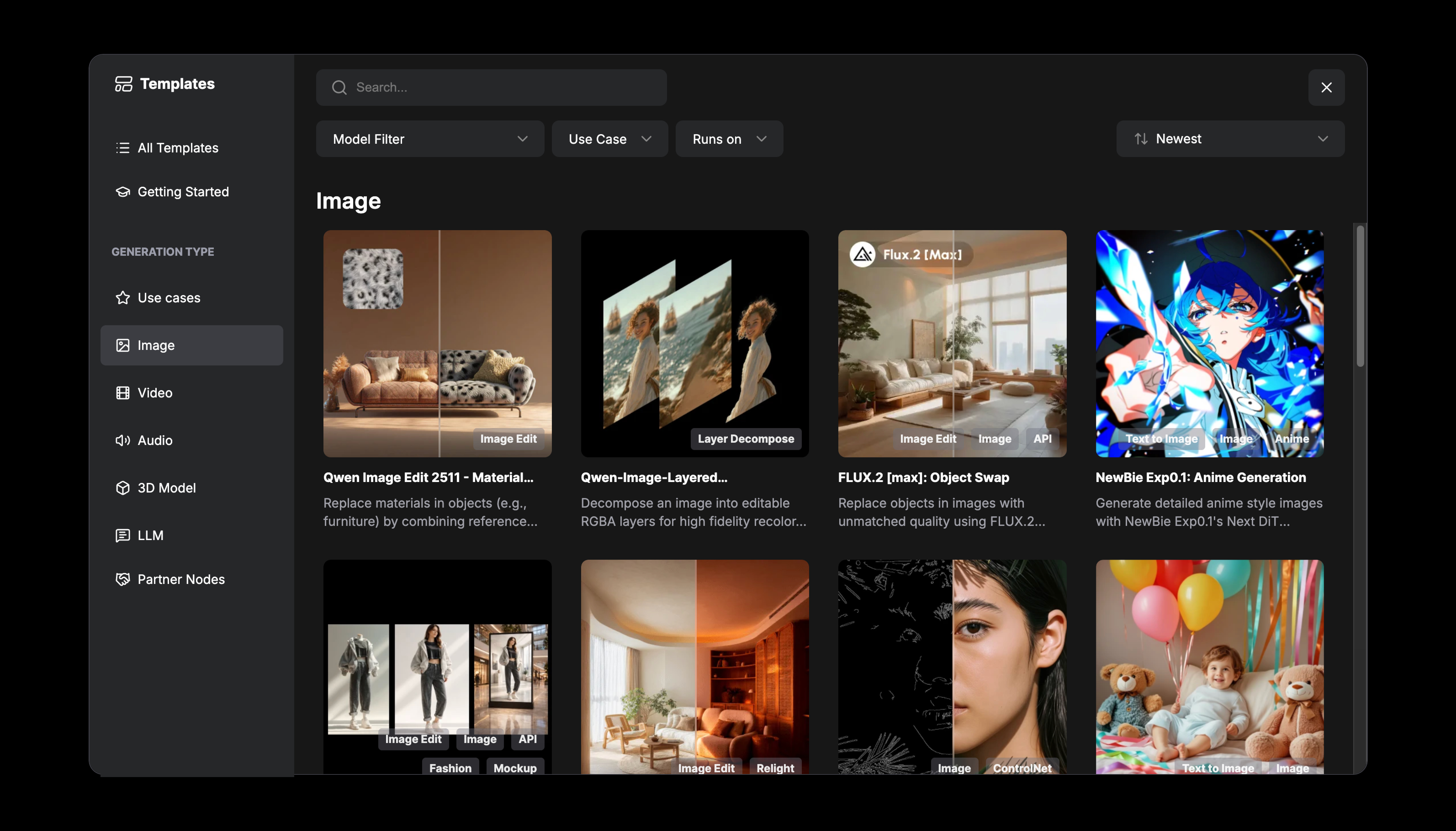
You can also find the workflow in the Template Library → Image
As always, enjoy creating!
Wow! Great!
But the link which was supposed to be workflow (json file) looked to be way way larger than that.
I am running Comfyui on my Mac Studio.
The Qwen Image Edit 2509 workflow ran fine.
However with this workflow I get:
"convolution_overrideable not implemented. You are likely triggering this with tensor backend other than CPU/CUDA/MKLDNN, if this is intended, please use TORCH_LIBRARY_IMPL to override this function"
Doesn't this one run on macOS?