


We’re excited to share that you can now generate videos featuring Virtual Portraits & Real Humans with Seedance 2.0 in ComfyUI. Upload an AI-generated image or a Real human portrait, then create videos with a consistent identity and authentic facial expressions.
Virtual Portrait VS Real Human: What’s the difference?
Real Human refers to actual living people (needing verification), while Virtual Portrait is AI-generated and non-existent in reality (no verification needed).
How to use Virtual Portrait for Seedance 2.0
To use a virtual portrait with Seedance 2.0, use the Seedance 2.0 node as the regular video generation node, upload your AI-generated character asset, and then pass it to the node.
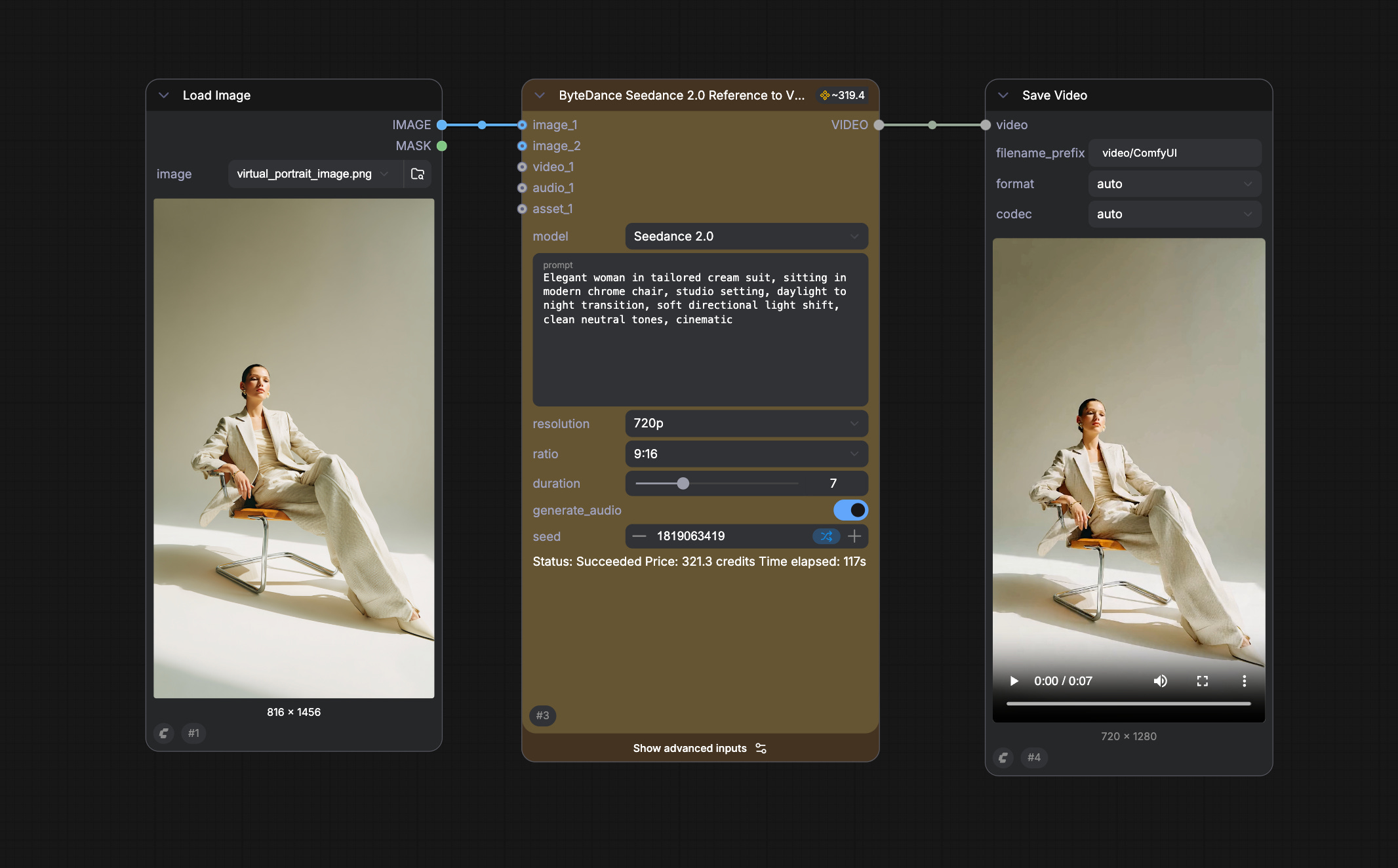
The ByteDance server will detect the image type and throw an error if it’s identified as protected content. If the backend identification has passed, then you can use it as a reference asset without any issue.
How to use real human assets for Seedance2.0?
The verification process is designed to prevent impersonation and unauthorized use of someone’s likeness. It’s handled by ByteDance, which complies with emerging AI transparency regulations.
First Run (Verification Required)
Upload a portrait image using the
ByteDance Create Image/Video Assetnode
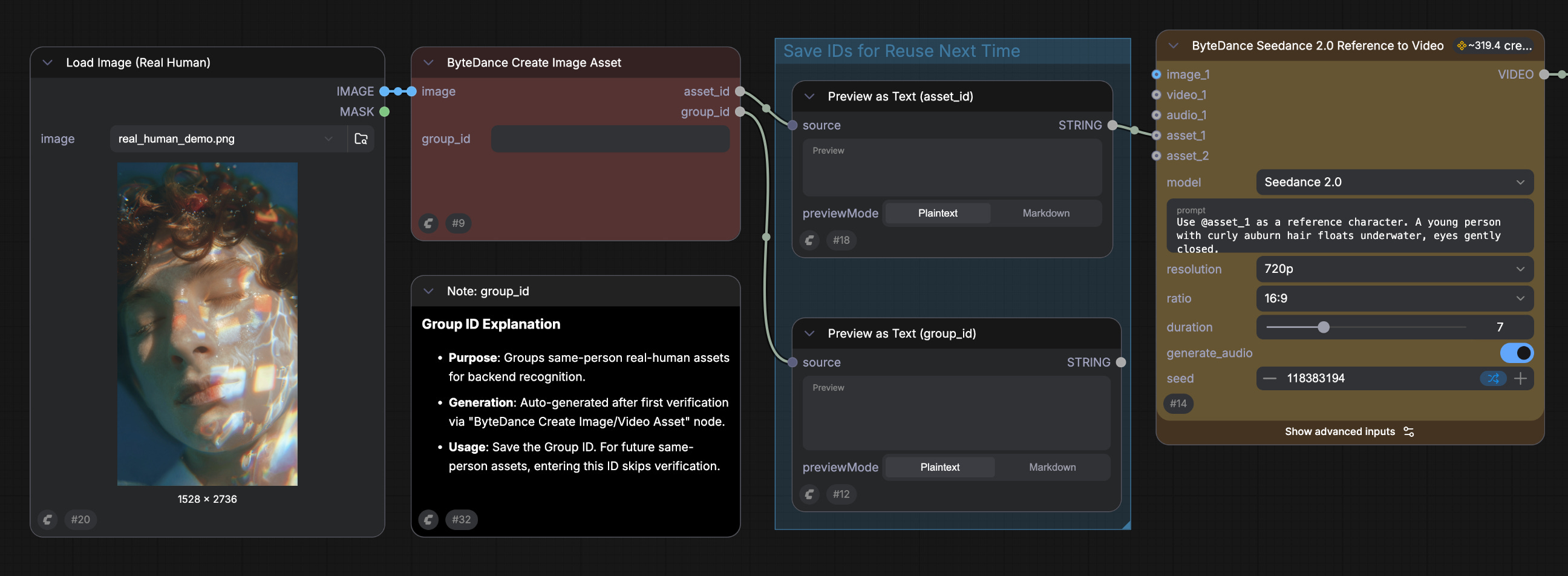
Run the workflow—a verification link will be generated
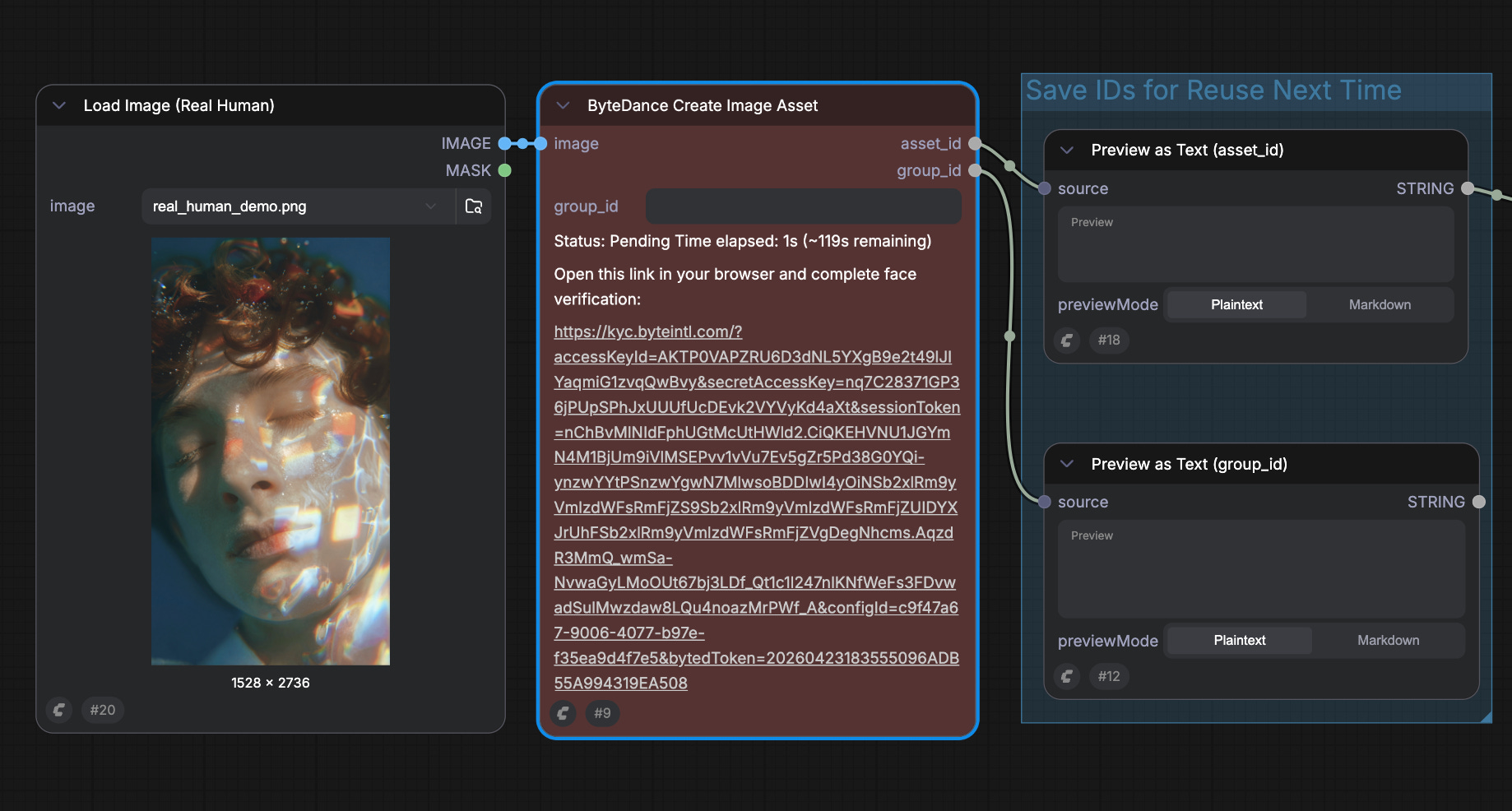
Open the link on your phone or browser and complete the liveness check (less than 30s)
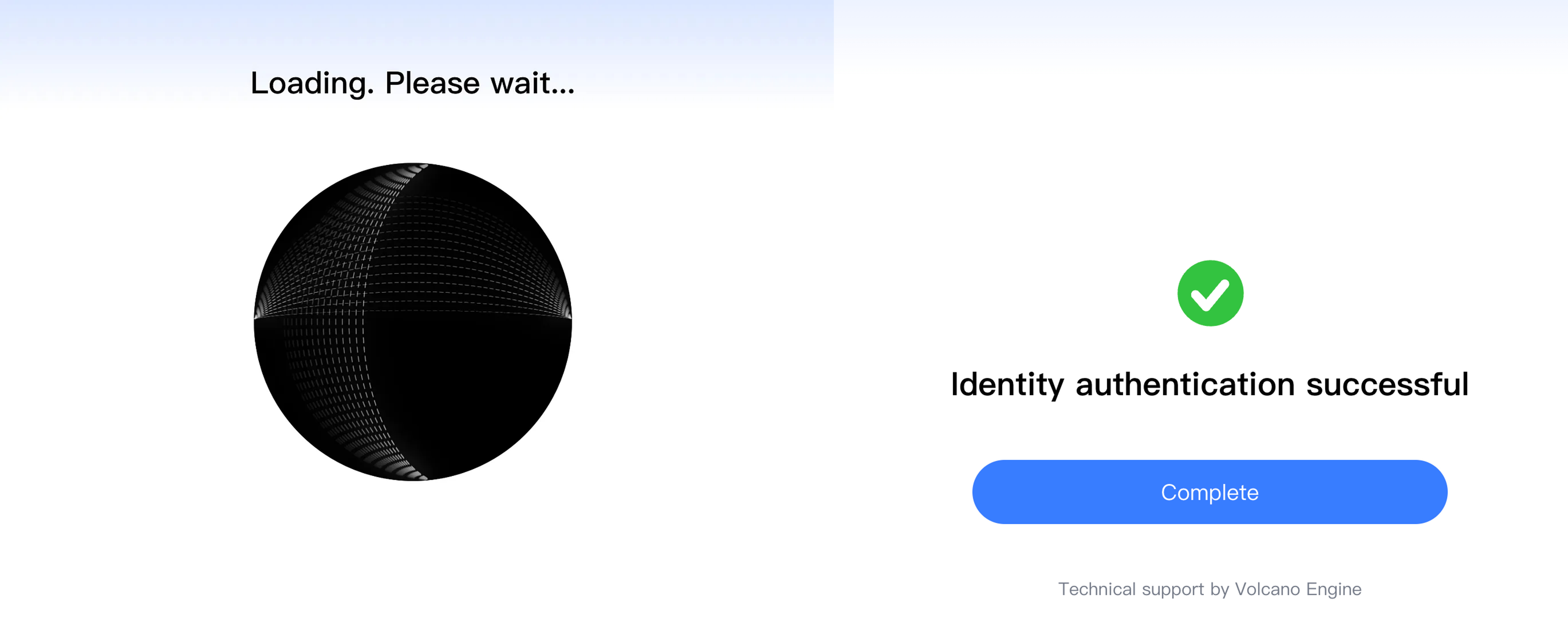
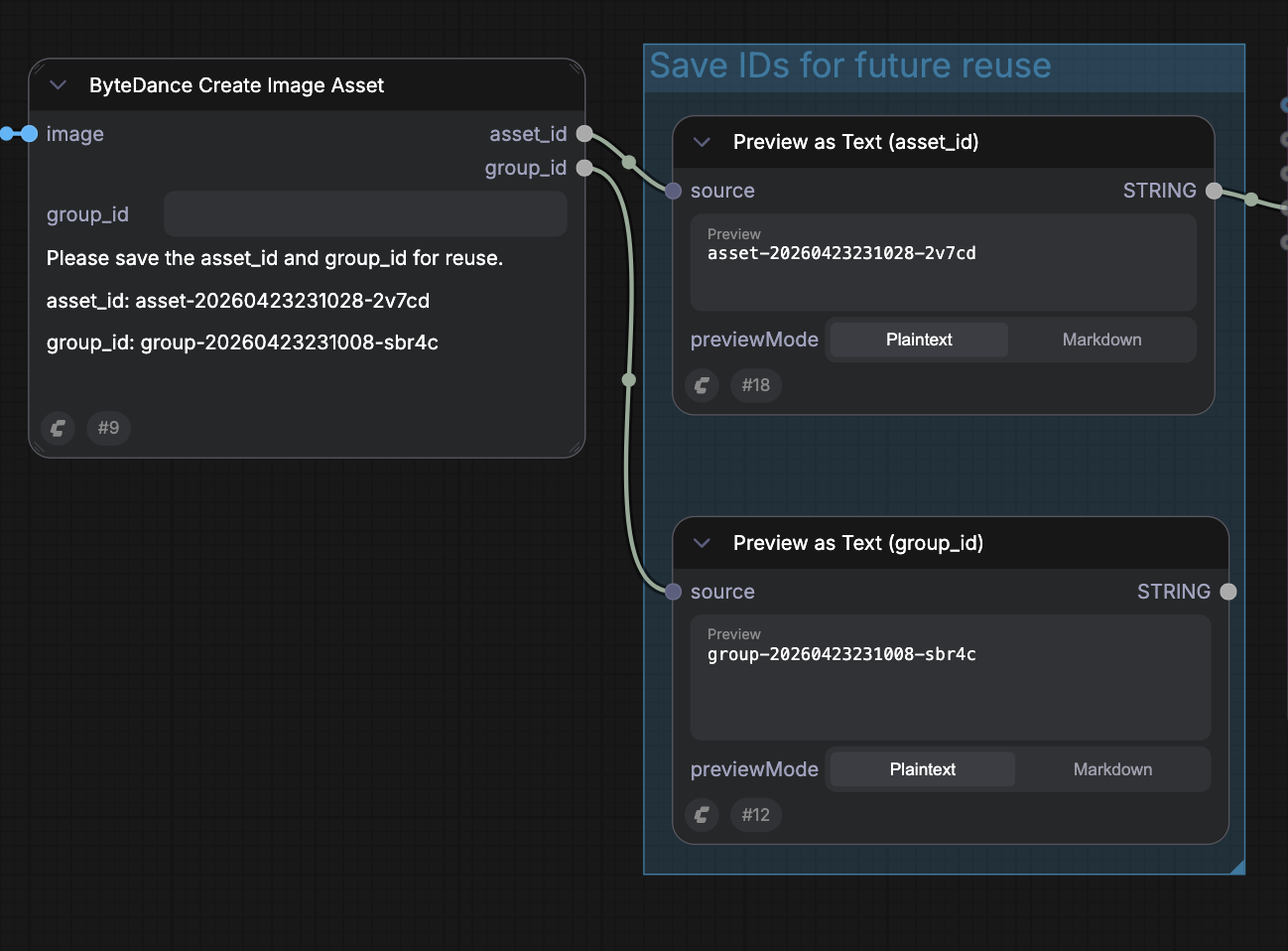
Real human verification passed. You will receive two IDs:
Group ID — represents the verified person (save this)
Asset ID — this specific image, ready to use in video generation (point to the same asset, can be reused as well)
Future Image with the same person (No Verification)
Upload a new photo or video of the same person
Enter the saved Group ID in the
ByteDance Create Image/Video Assetnode
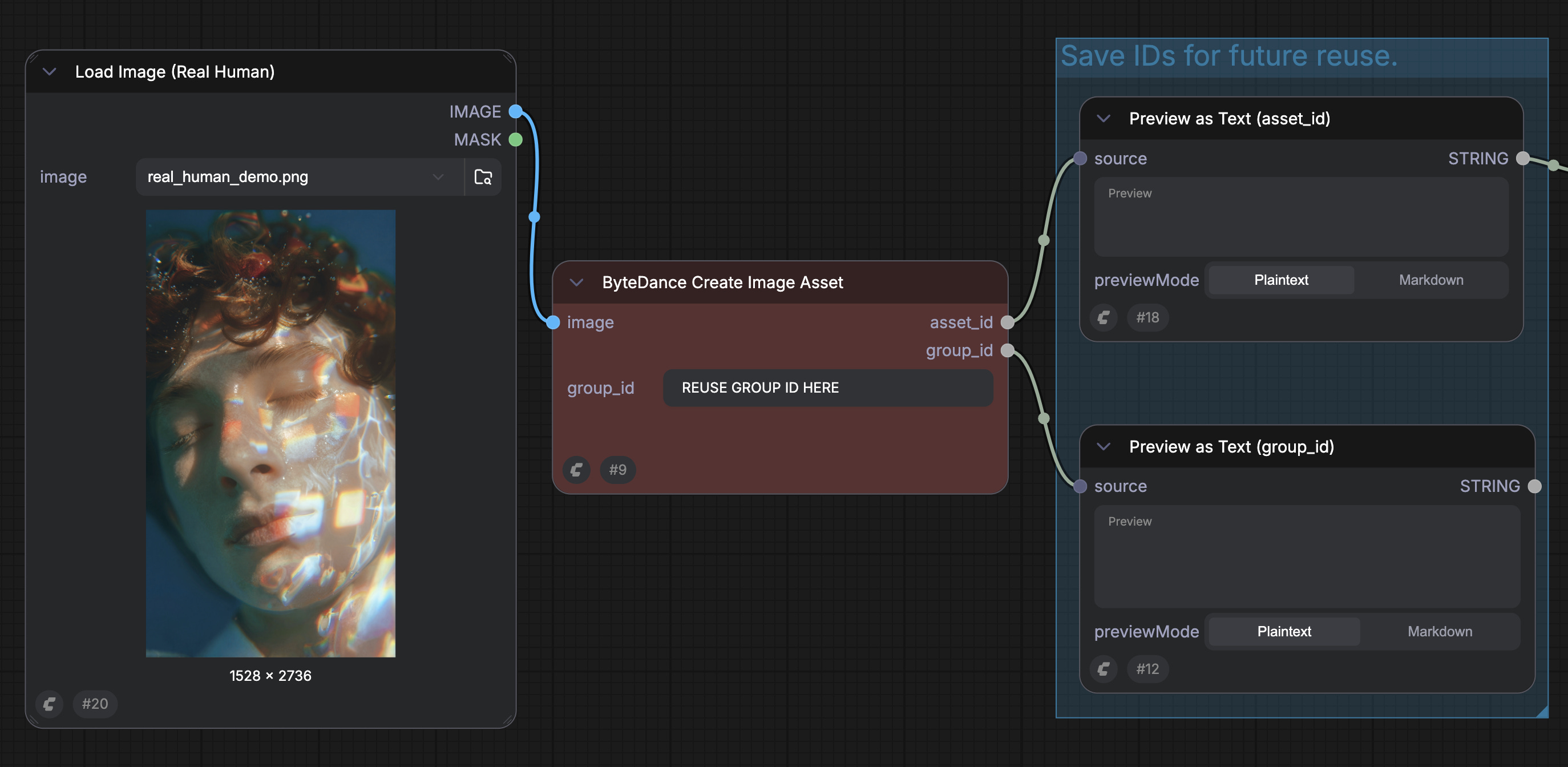
The system compares facial features against the original verification
If it matches, the new asset is activated automatically
Getting Started
Update ComfyUI to the latest version, or visit Comfy Cloud
Go to Template Library → search Seedance 2.0
Update the input and follow the guide in this blog
As always, enjoy creating!
What is Seedance 2.0?
Seedance 2.0 is ByteDance’s latest video generation model, built for industrial-grade controllability and native audio-video sync. With Real Human support in ComfyUI, you’re no longer limited to virtual characters—you can bring those same strengths to videos featuring real people, with identity and performance held together across a full clip.
Real people, cinematic control: Direct camera moves, lighting, and scene changes while keeping the subject believable.
Identity consistency: Keeps facial features and overall appearance stable across motion, camera moves, and transitions.
Native audio-video sync: Generates video and audio together (dialogue/ambient/music) with more reliable lip-sync and expressions.
Multi-reference directing: Mix text with up to 9 images, 3 videos, and 3 audio clips to lock in look, motion, and rhythm.
Check more details in our documentation
As a VFX Producer working on a film or television series, I find the current verification workflow completely impractical for professional production use.
When a production has secured written consent from an actor granting the right to use their likeness for the purposes of a specific project, that should be sufficient. Are you telling me that written legal authorization is not enough — and that I need to physically bring the actor to my facility just to pass a verification check?
And what happens when I need a different angle of the same actor? Do I call them in again? What about when I need to run multiple tests using different reference photos of the same person — different ages, with or without makeup, with glasses, wearing a hat — do I schedule a new verification session every single time?
This makes absolutely no sense in a professional filmmaking context. The current system seems designed for social media influencers making fun videos, not for legitimate cinematic and broadcast production pipelines where legal clearances are already in place and industry workflows must be respected.
Furthermore, even if I were to overlook all of the above and ask the actor to go through your verification process, what happens if they refuse? And frankly, why wouldn't they? I would have to explain to them that their full facial biometric data will be stored in your company's database — data that is among the most sensitive and personal information a human being has. Why would any actor agree to have their face ID permanently held by a third-party company they have no relationship with and no control over?
I am not really sure if I got this right. So I want to use a photo e.g. of my grandma. Next the "Real human verification" is solved by showing my face via webcam to verify that I am a real human and then my identity will be stored and linked to the uploaded photo of my grandma?? And will the photo I want to use with Seedance (e.g. my grandma) be verified on its on (is the uploaded image a VIP / IP character / Is the user really authorized to use the photo)?
Clarification please <3 – I know it is supposed to avoid misuse … but at the same time, this whole process makes me feel pretty uncomfortable.